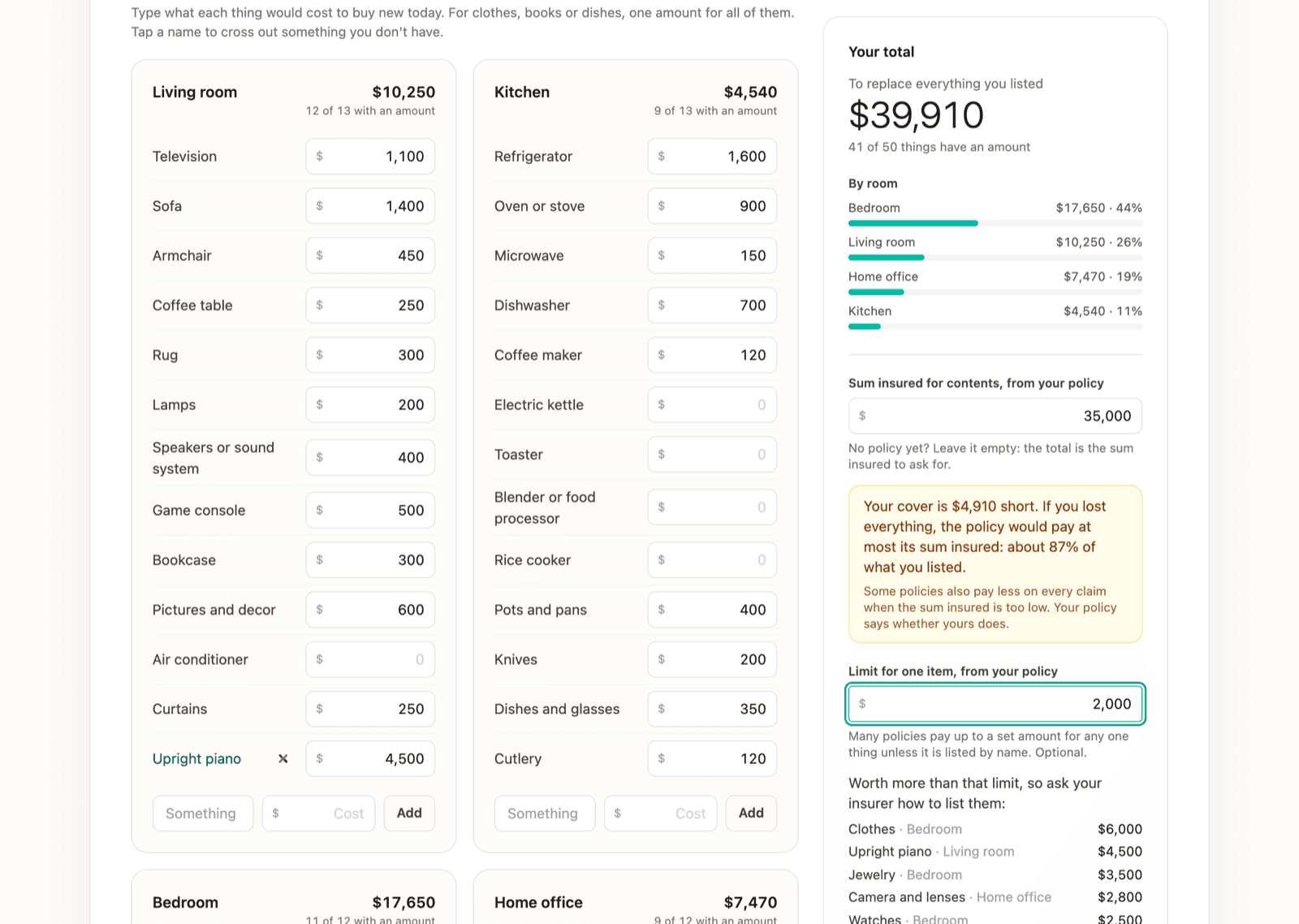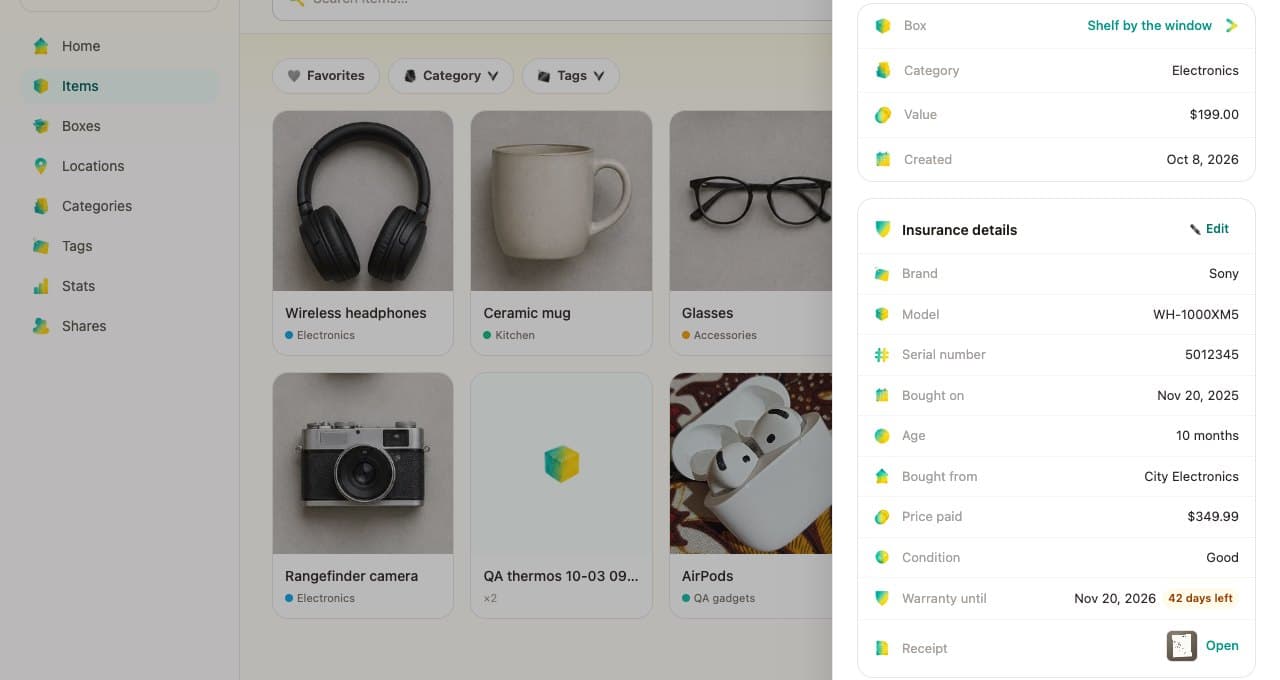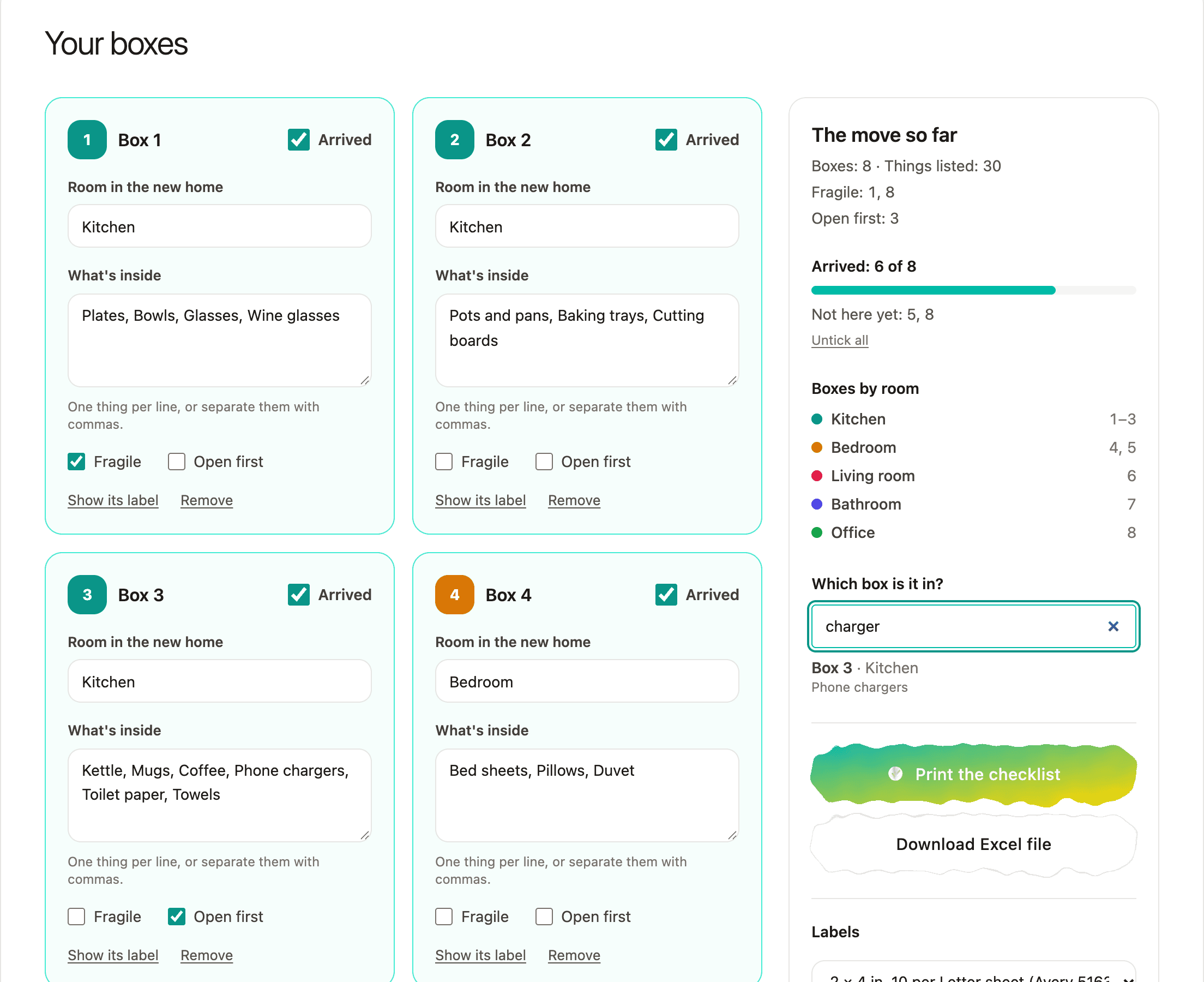
In June I wrote that I log the expiry dates in my emergency kit and get reminded before they lapse. The app had nowhere to put an expiry date. Now it does, in the web app, in six languages.
A date on any thing
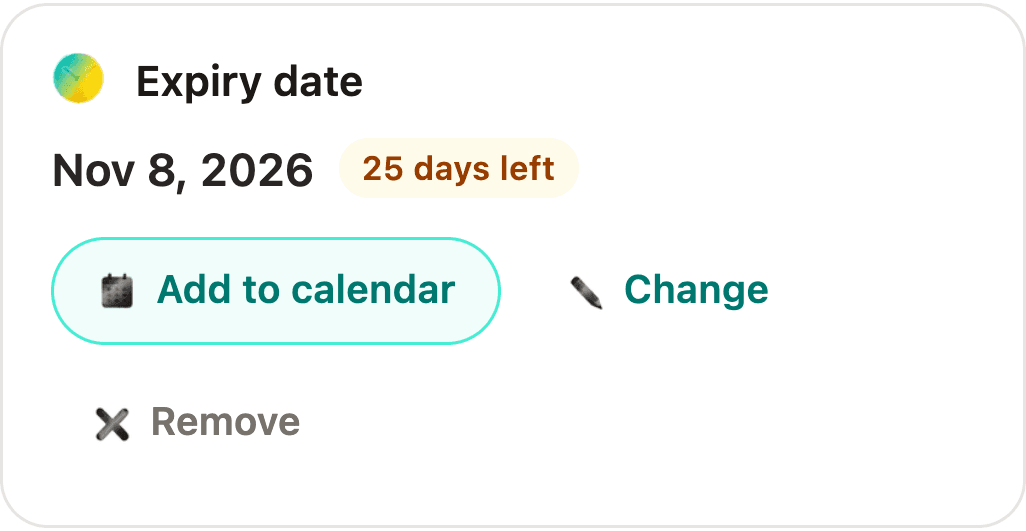
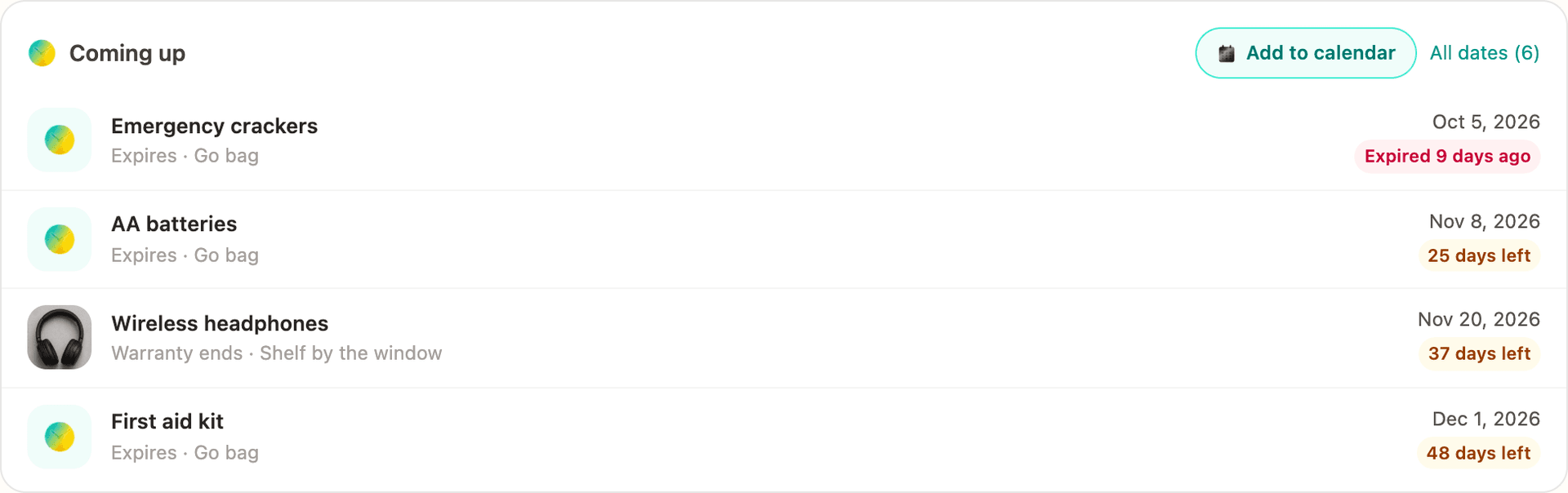
Open a thing and the new Expiry date card offers four quick dates (in 6 months, in 1, 2 or 5 years) or a day you pick. After that it shows the day and how long is left: "25 days left", "Last day", "Expired 9 days ago".
Coming up, on Home
Home lists what has expired and what runs out or leaves its warranty in the next 60 days. Tap a row to open the thing. "All dates" lists every date, the earliest first.
Reminders in your own calendar
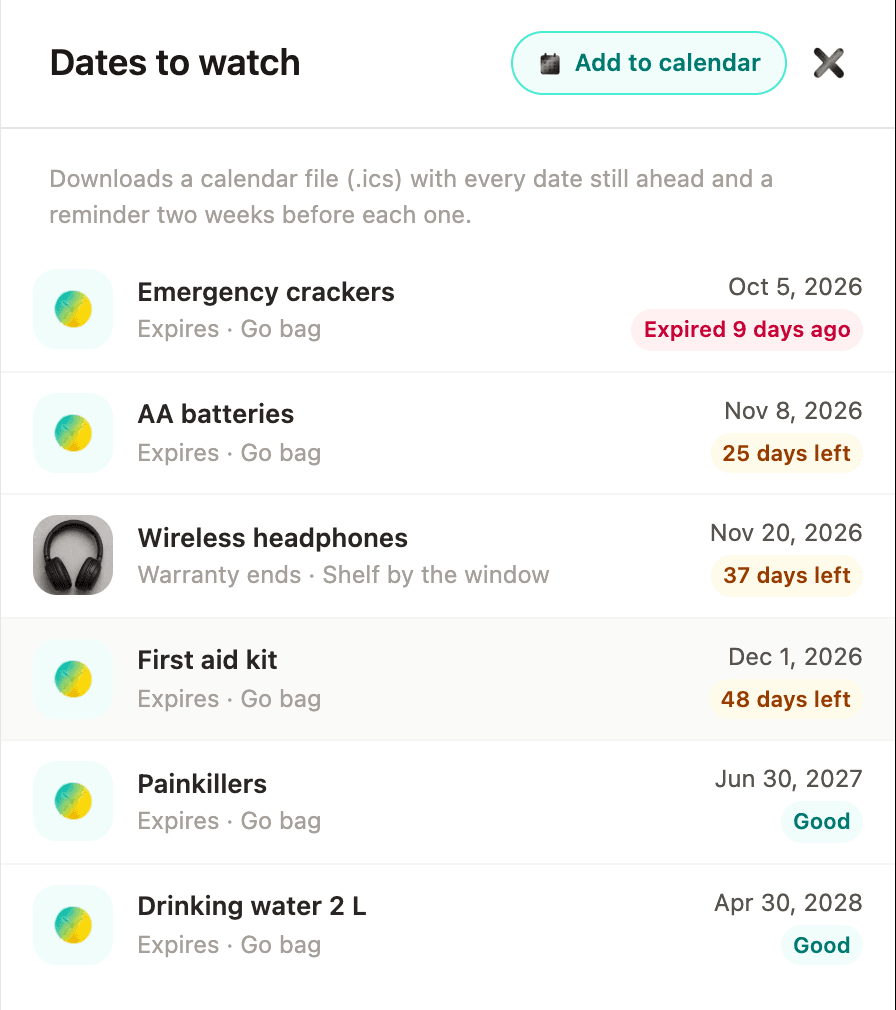
AllKeep sends no email. "Add to calendar" downloads one .ics file with every date still ahead, each an all-day event with a reminder two weeks before, at 9:00. Open it with your calendar app. I checked the file, not how each calendar app shows the reminder.
From a spreadsheet
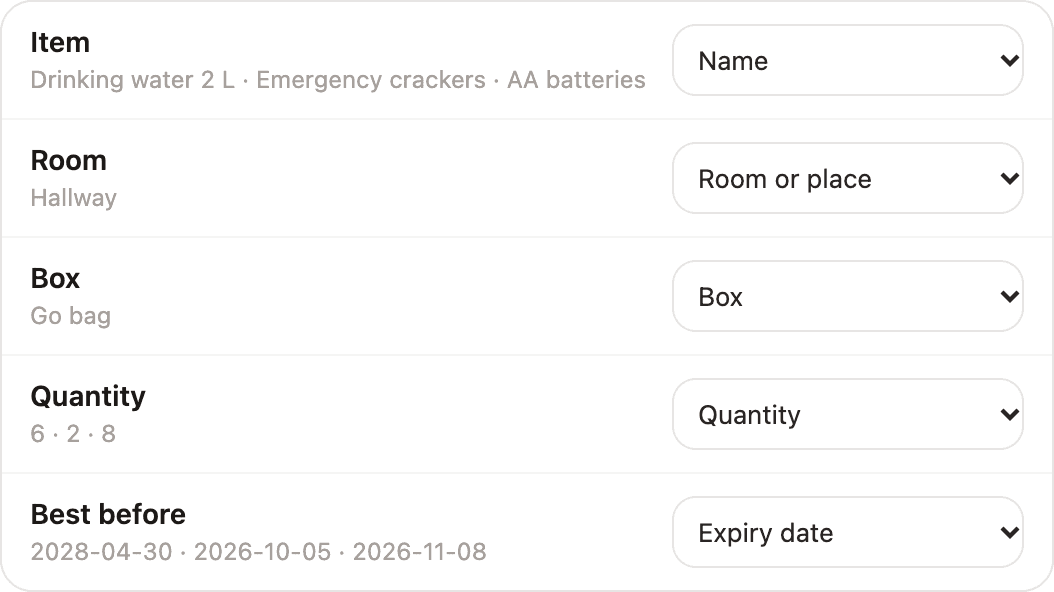
If your kit already lives in a spreadsheet, the import reads its expiry column, whether it says "Best before", "Use by", "Expiry date", 賞味期限, срок годности or kedaluwarsa. The report prints each date, and its CSV has an Expires column that the import reads back.
The Android app doesn't show these dates yet, and the reminder only reaches you once the file is in your calendar. Try it in the web app.