A lot of people already have a home inventory, in a spreadsheet. Until today, moving it into AllKeep meant typing every row again. Now the web app imports it: choose "From a spreadsheet" in the Add menu.
It reads your columns first
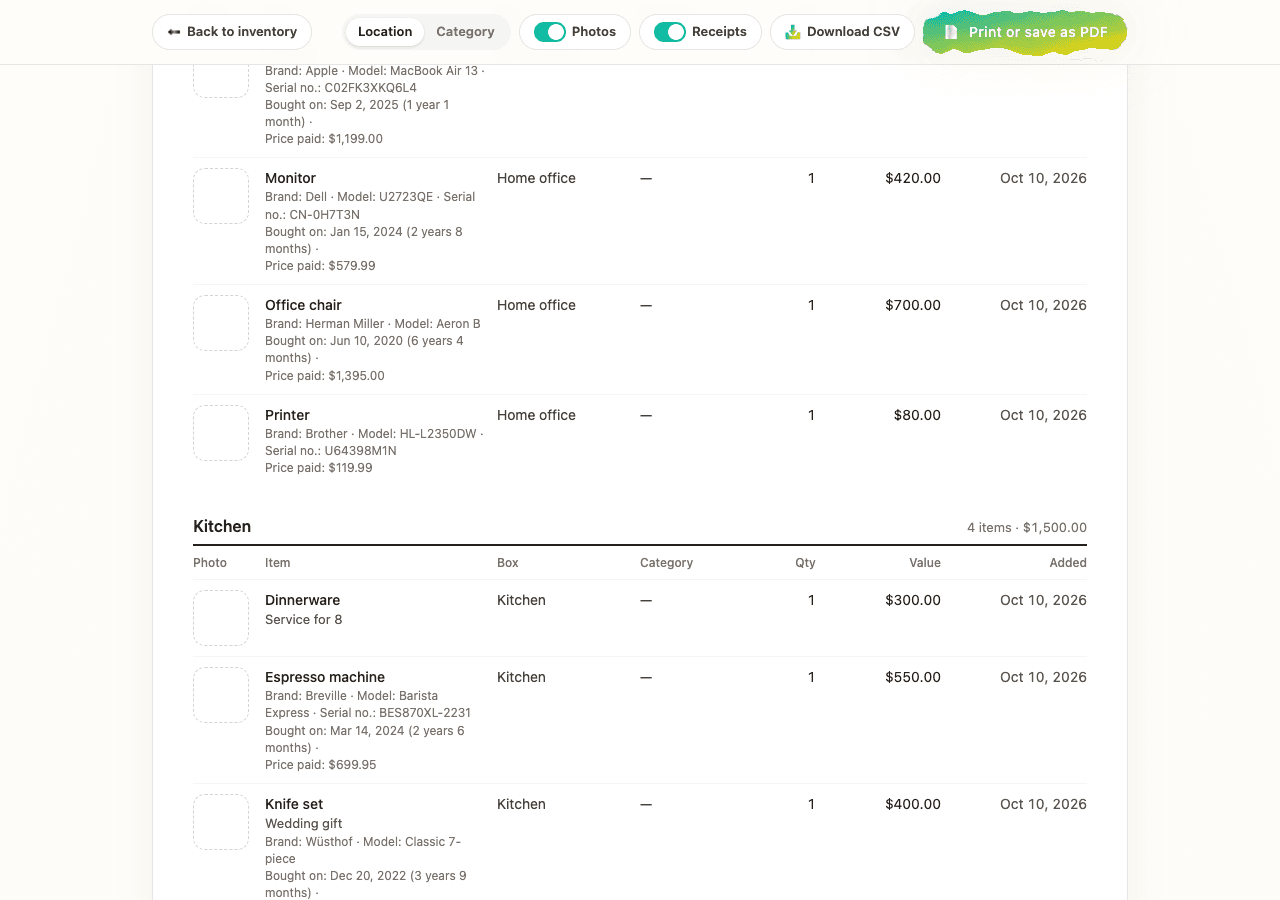
Choose an .xlsx, .csv or .tsv file, or paste rows copied from Excel, Google Sheets or Numbers. The app finds the header row by its words in six languages and shows what each column will be read as: name, room, box, value, brand, model, serial number, bought on, price paid, warranty. If one is wrong, change it or skip it. Nothing is saved until you press Import. I tried it with a list of twelve things from three rooms:
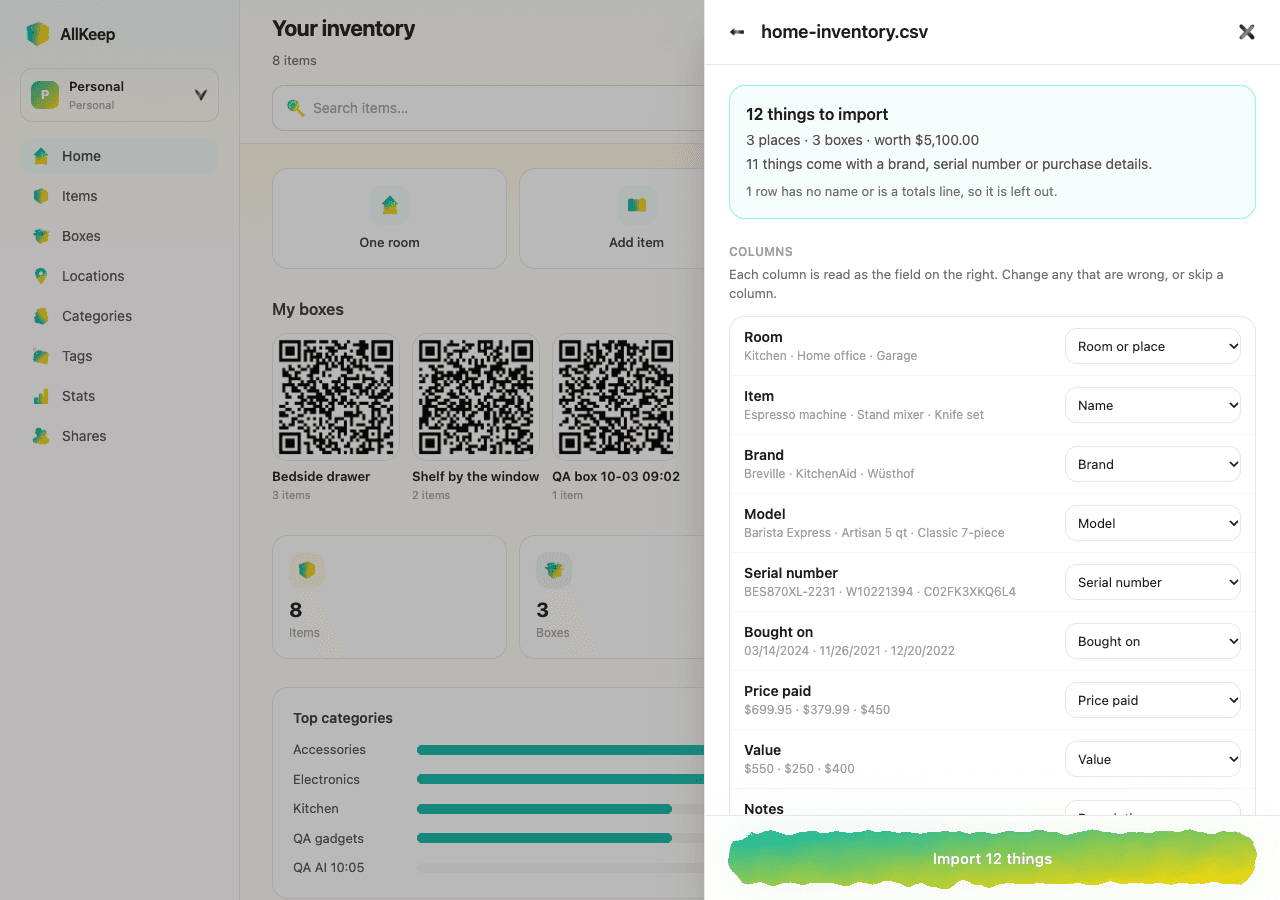
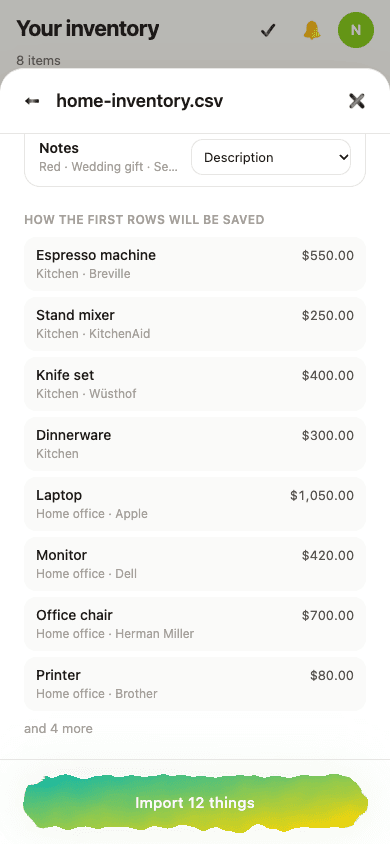
Rooms in the list become rooms in the app, and rooms you already have are used again. If a date can't be read, or a value is in another currency, the text goes into the item's description instead of being lost. Totals lines are left out. On a phone you see where each of the first rows will go.
The free template comes back as rooms
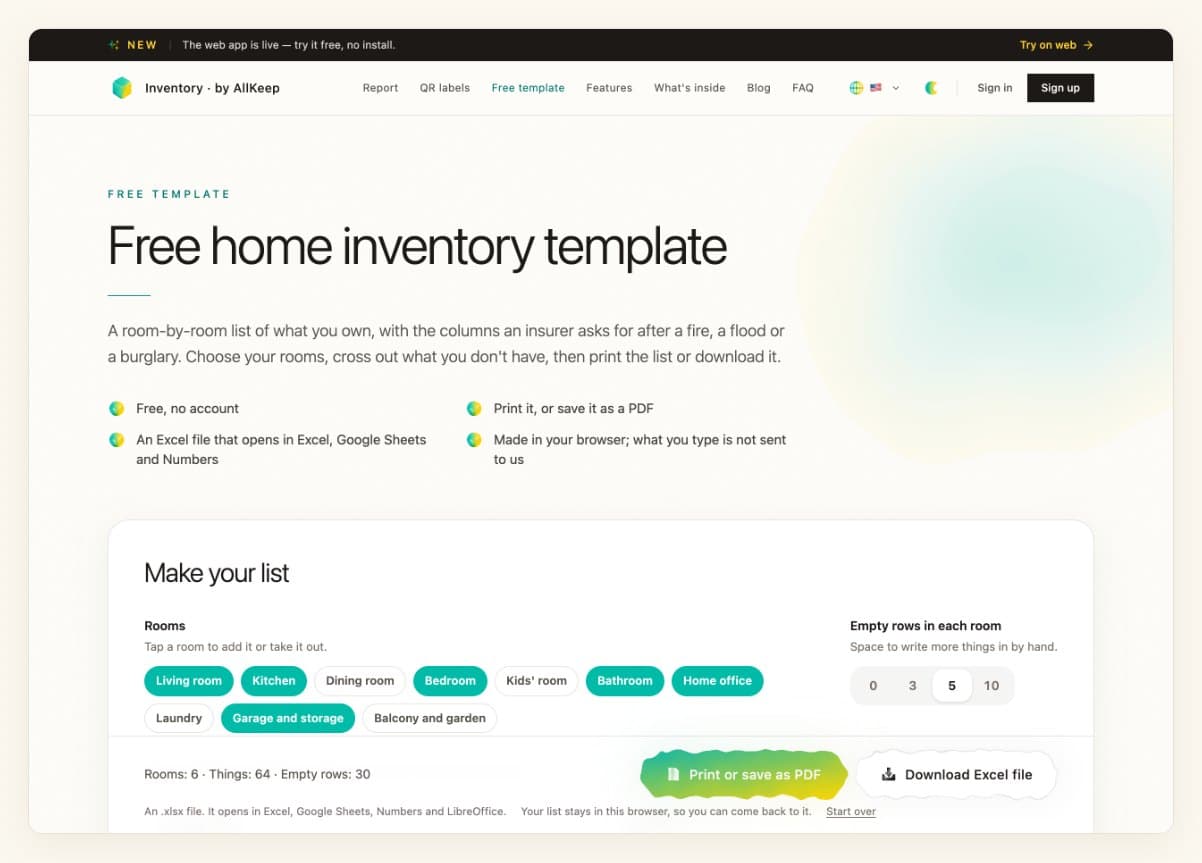
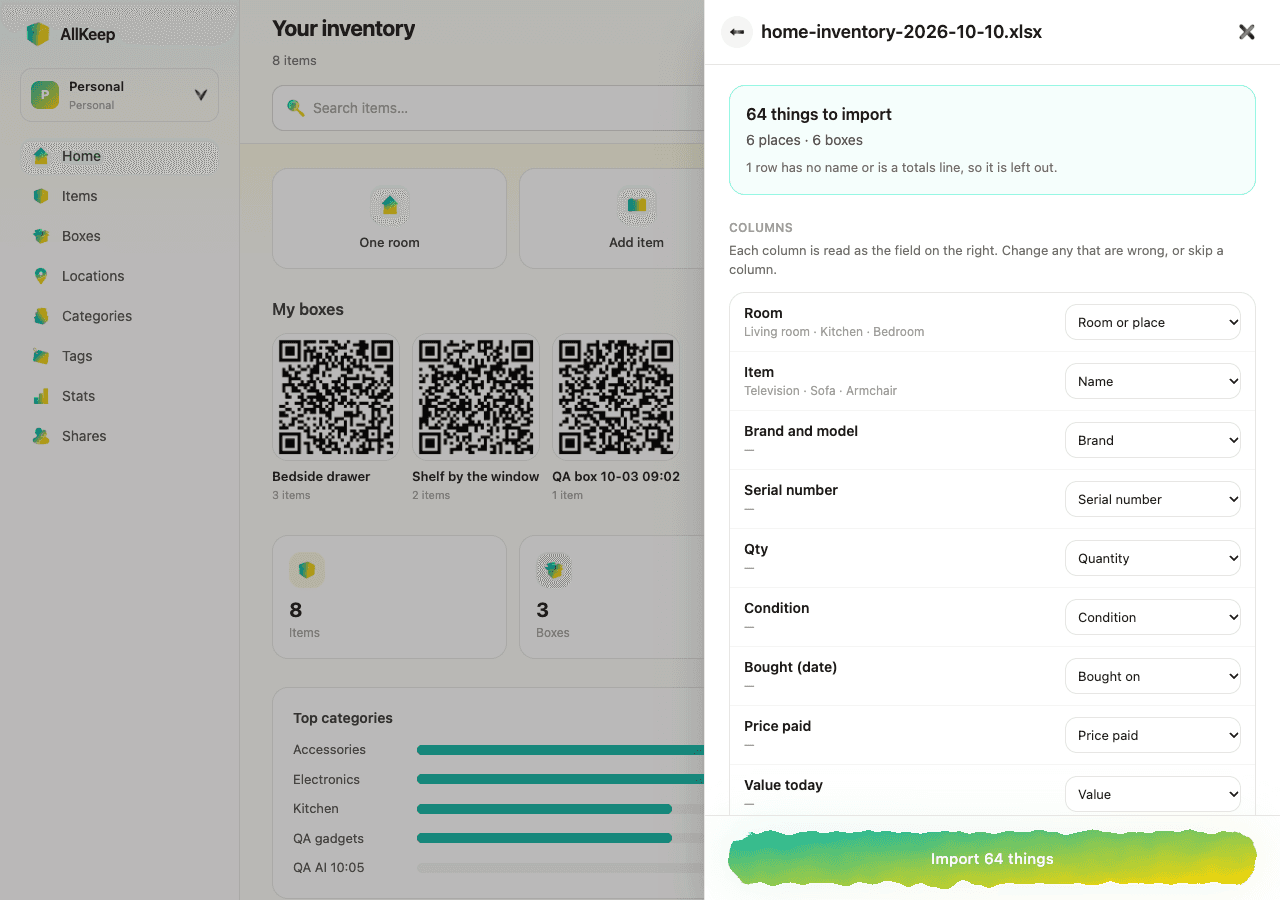
The Excel file from the free home inventory template imports as it is. Each row keeps its room, so the six rooms of the default template turn into six rooms with 64 things in them. A workbook with one sheet per room works too.
Then print it
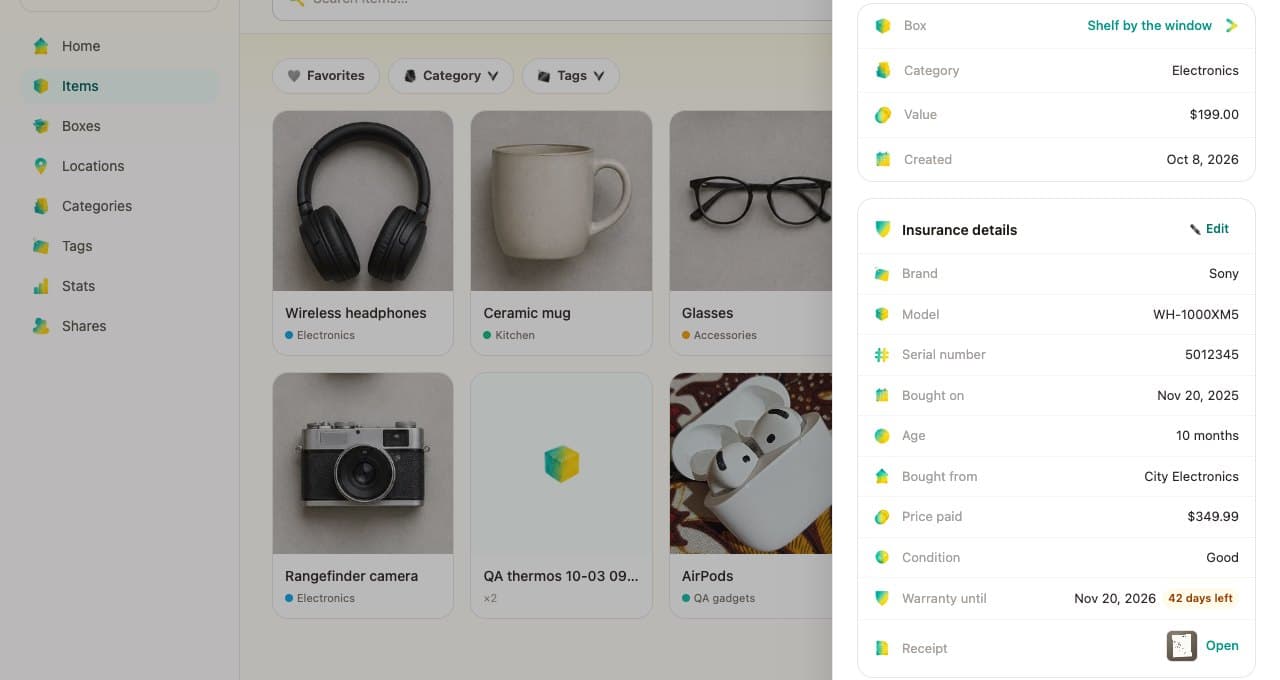
Brands, serial numbers, purchase dates and prices paid come along, so the inventory report prints them under each thing, the details an insurer asks for. The file is read in your browser, and only the rows you import are sent. Photos are the one thing a spreadsheet can't bring, so add one to each thing afterwards.