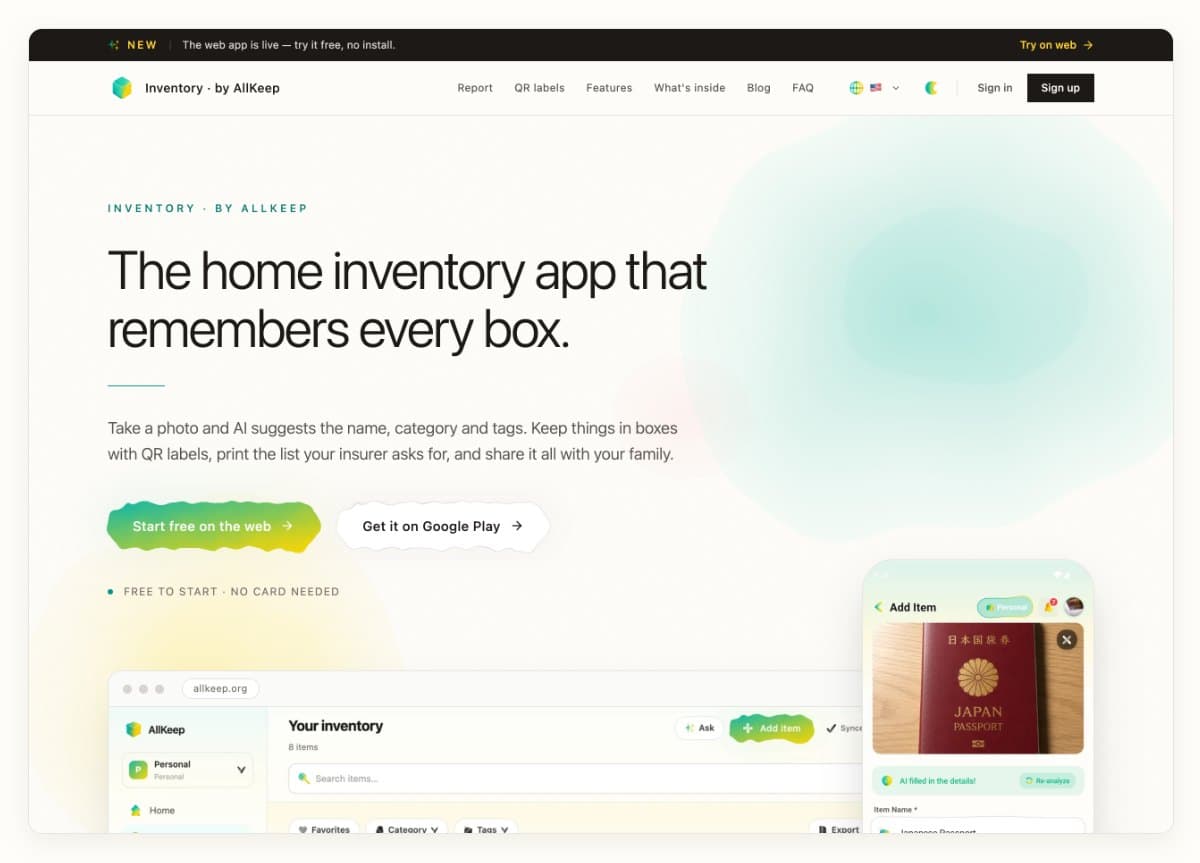
Not everyone wants an app for a home inventory; some people want a list on paper or a spreadsheet. The free templates I found were in English, and most were a single sheet that you download as it is. So I made one you build yourself, in six languages, without an account: inventory.allkeep.org/en/home-inventory-template.
Rooms and the things in them
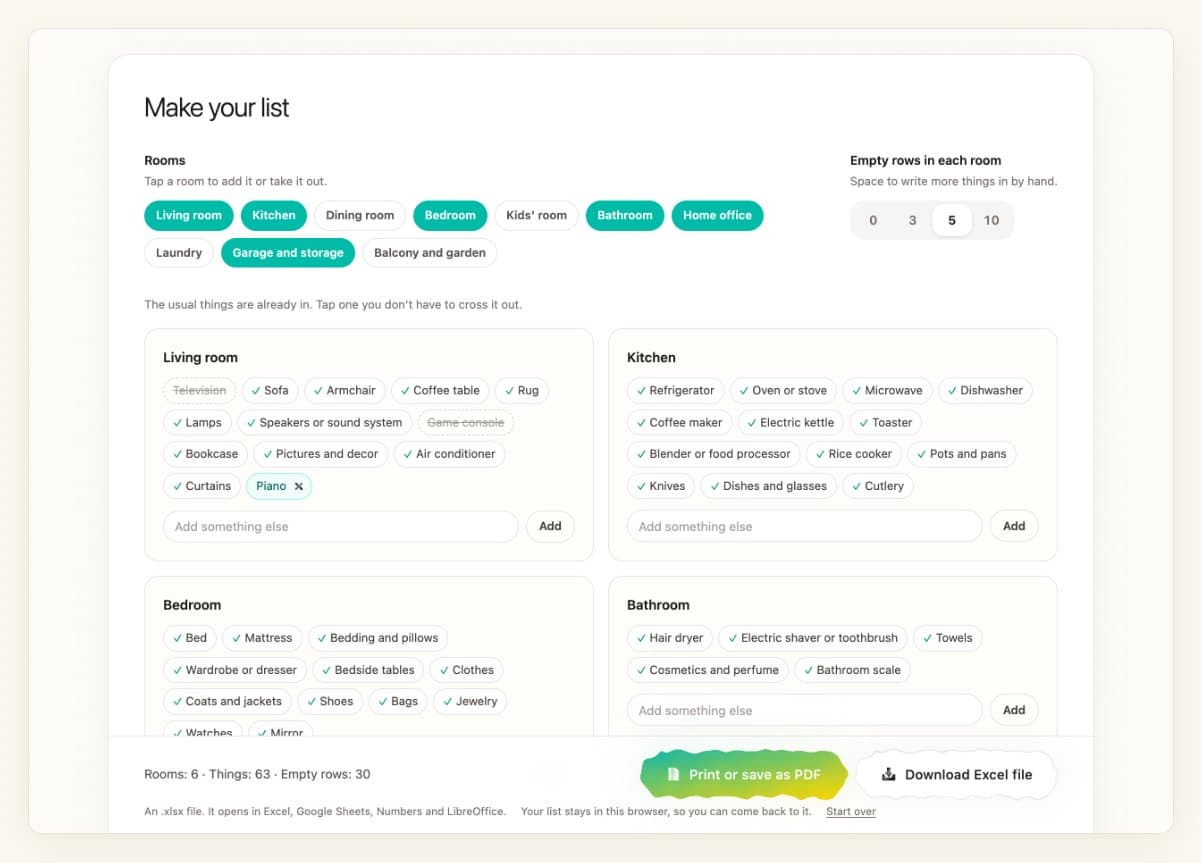
Pick the rooms you have. Each starts with what most homes keep there, like a rice cooker in the kitchen or a router in the home office. Tap what you don't own to cross it out and type in what is missing. You can also give every room empty rows for writing by hand. The list stays in your browser for when you come back, and nothing you type is sent to us.
On paper or in a spreadsheet
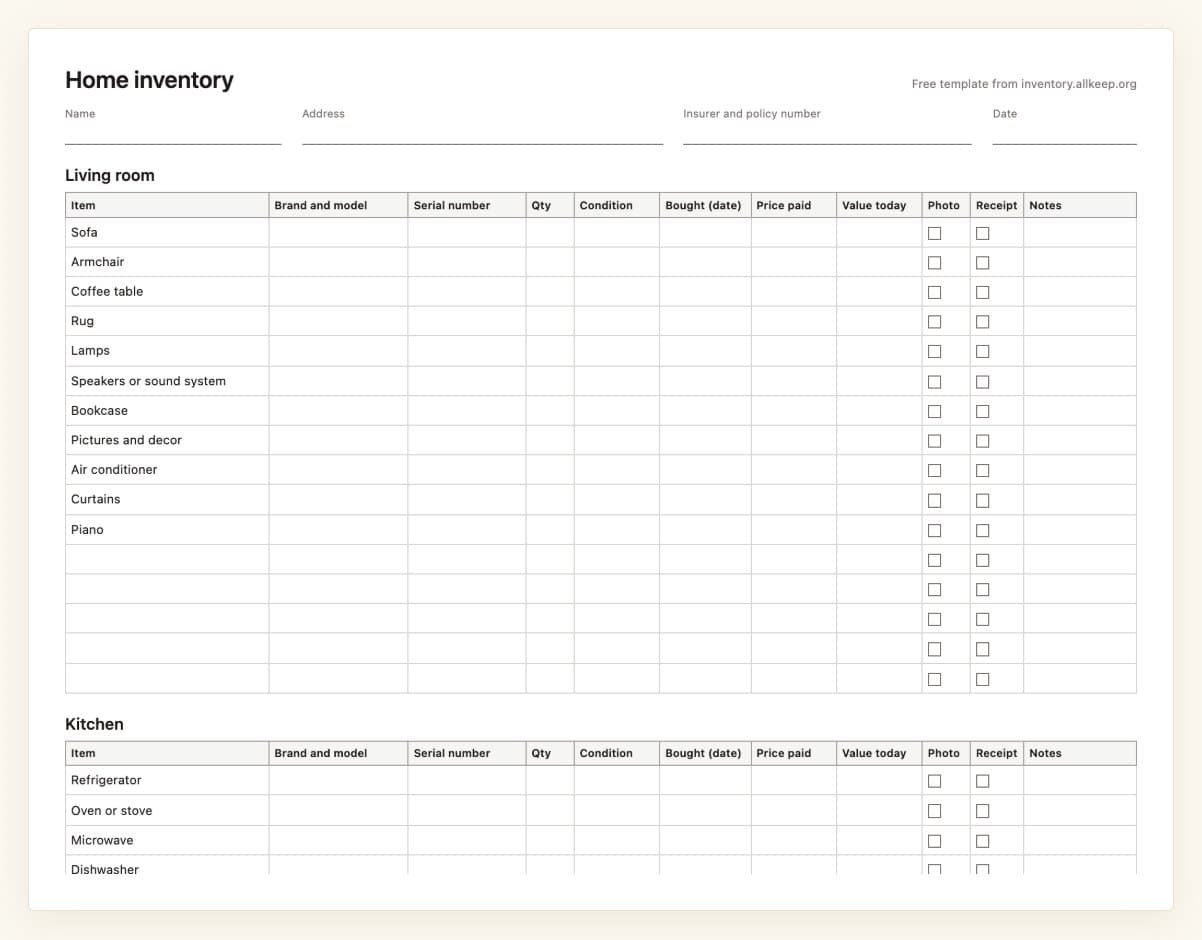
Print or save as PDF lays the list across the page, one table per room, with the columns an insurer asks for after a fire or a theft: brand and model, serial number, date bought, price paid, value today, boxes to tick for a photo and a receipt, and notes. The top has room for your name, address, insurer and policy number, the end for a signature. Download Excel file gives the same rows as an .xlsx file, with the room on every row and a total under the price and value columns.
When you want photos
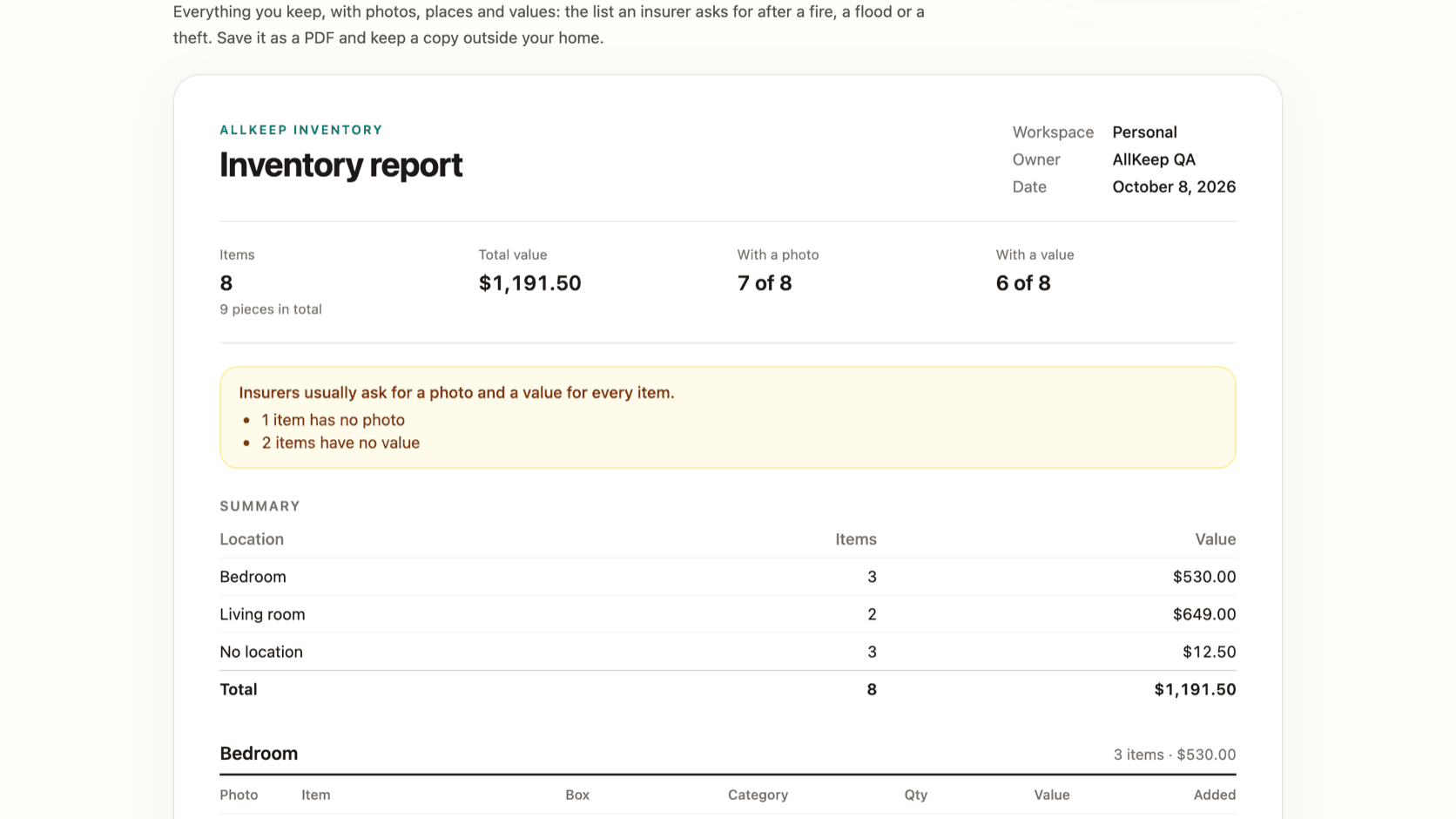
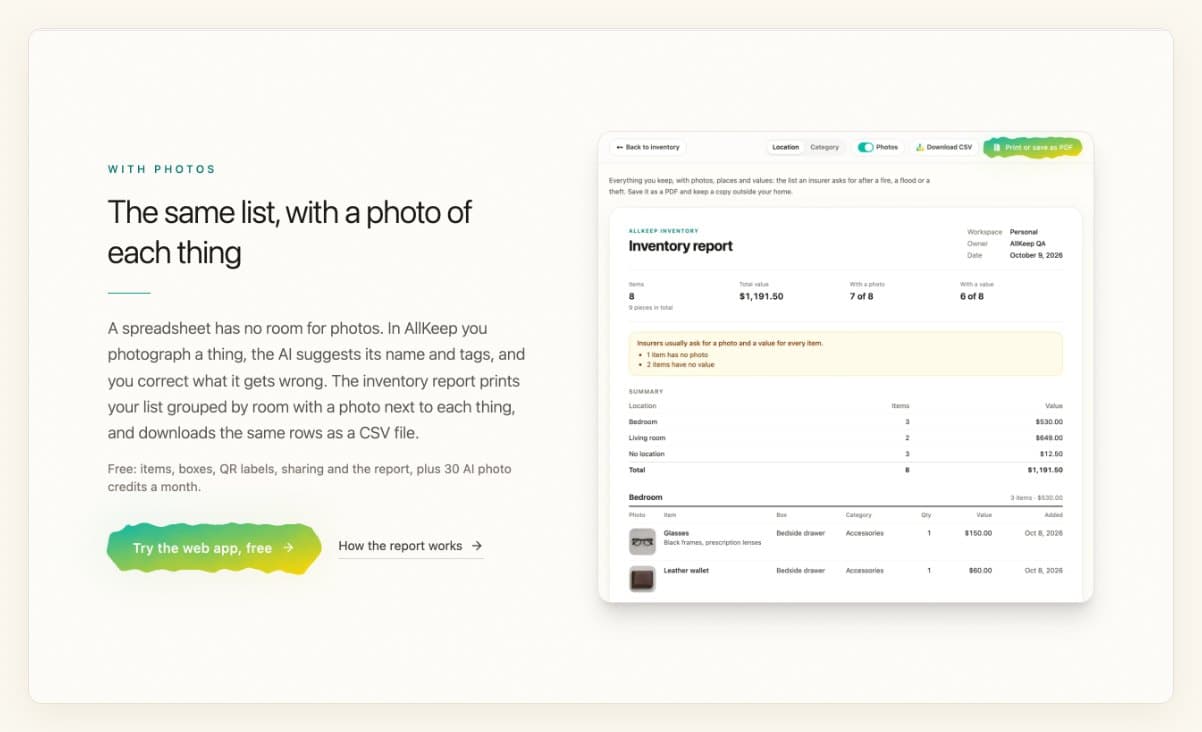
Paper has no room for photos. In the AllKeep web app you photograph a thing and the AI suggests its name and tags. Its inventory report prints the same kind of list with a photo next to each thing; how it works is in an earlier post.
What to write in each column is on the page, under the template.