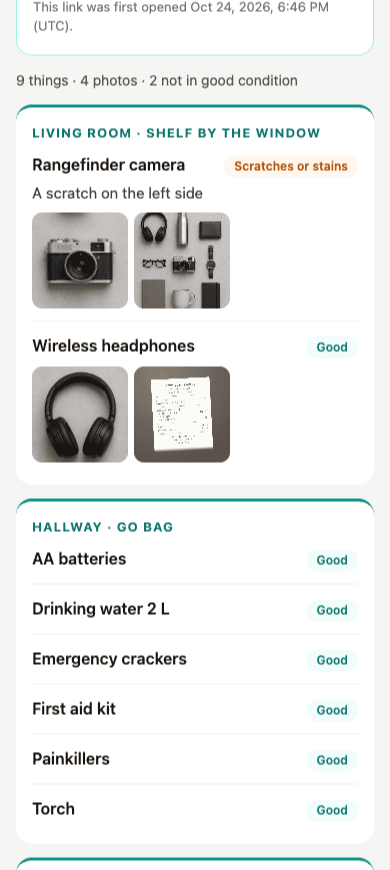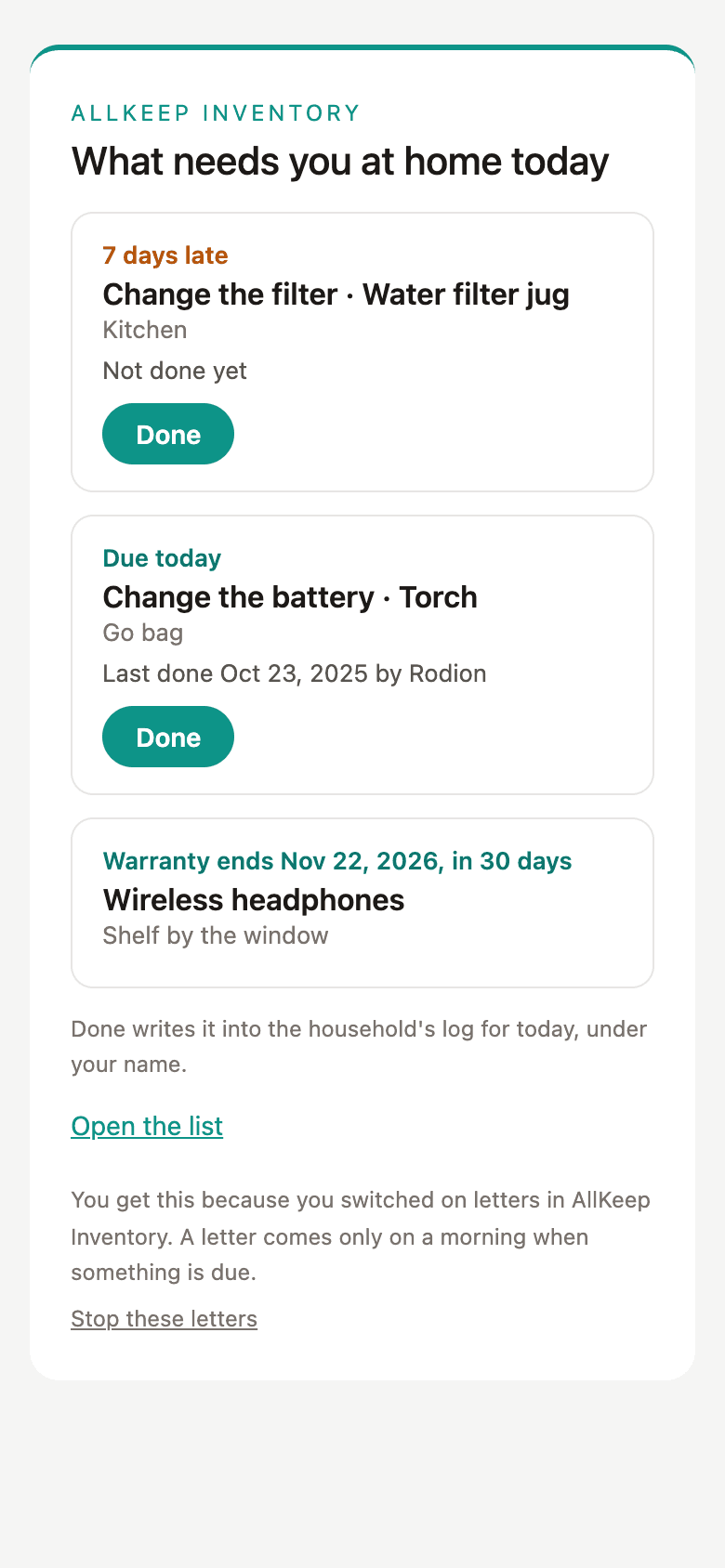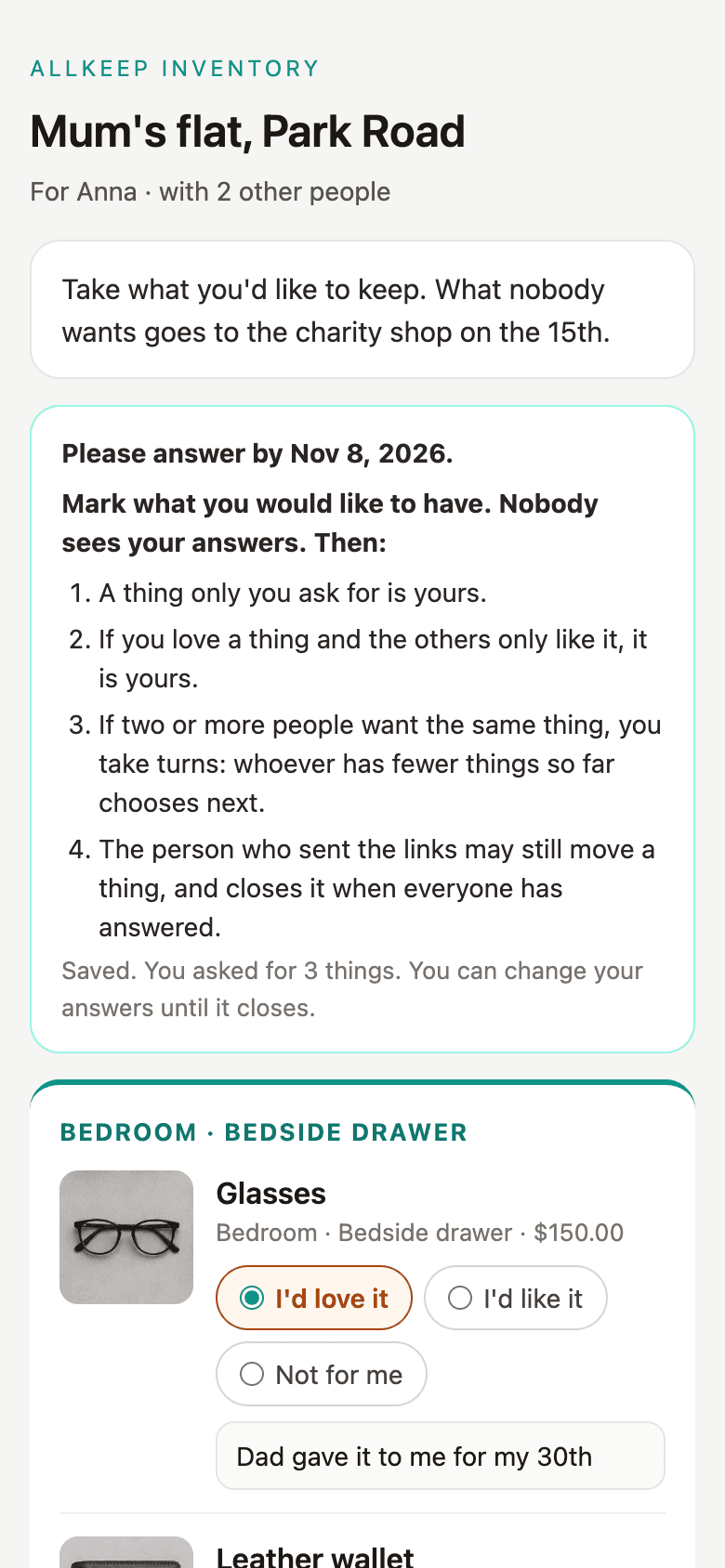
Until today a share-out ended with a list: who gets the watch, who gets the photo albums. The people who got things could look at that list, but to keep it they had to write it down again somewhere else. I wanted the list to keep working after the share-out, so now each of them can take their things into an inventory of their own.
A button on the closed link
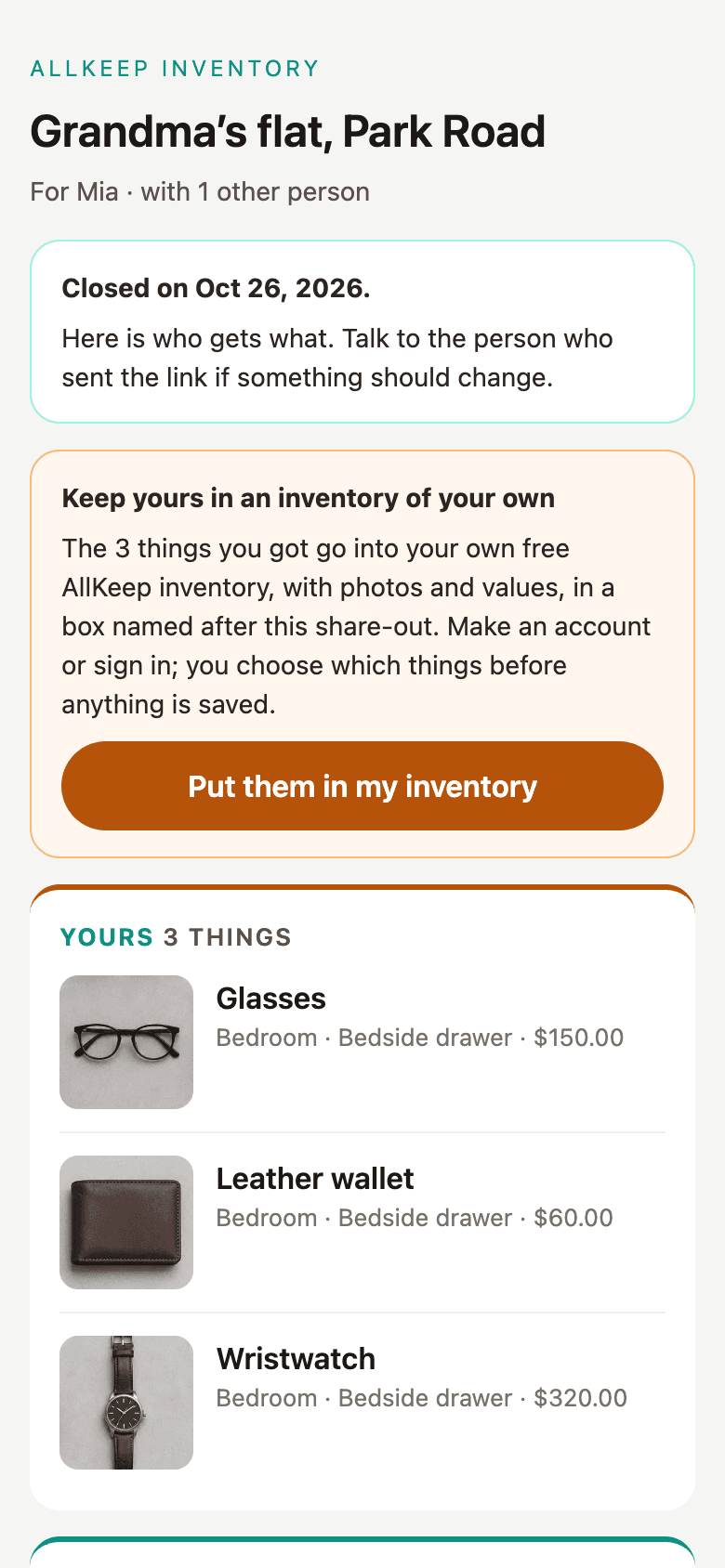
When the share-out closes, each person's link shows what they got and a button: "Put them in my inventory".
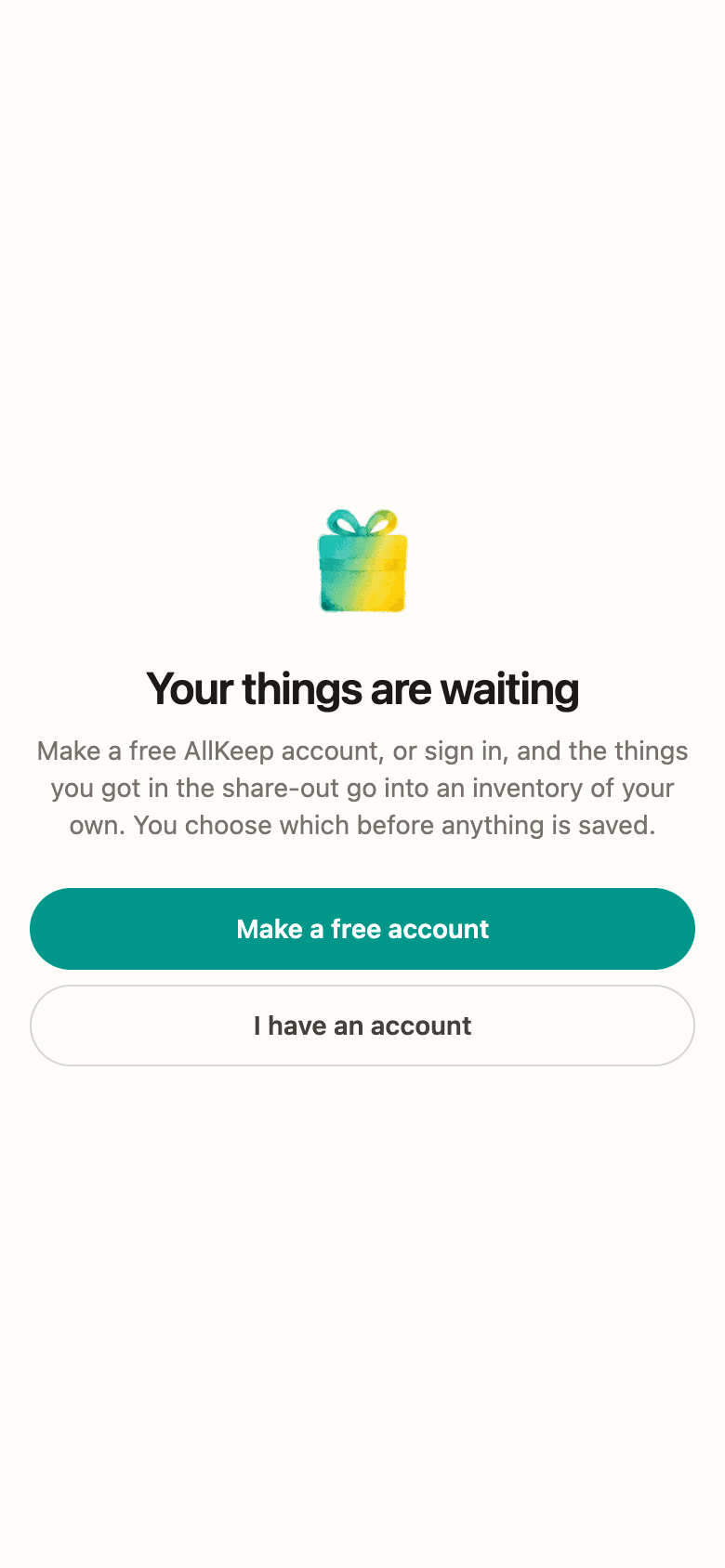
A free account first
Most people on a share-out don't use AllKeep yet. The button opens the web app, which asks them to make a free account or sign in, then brings them back to their things.
Choose, then save
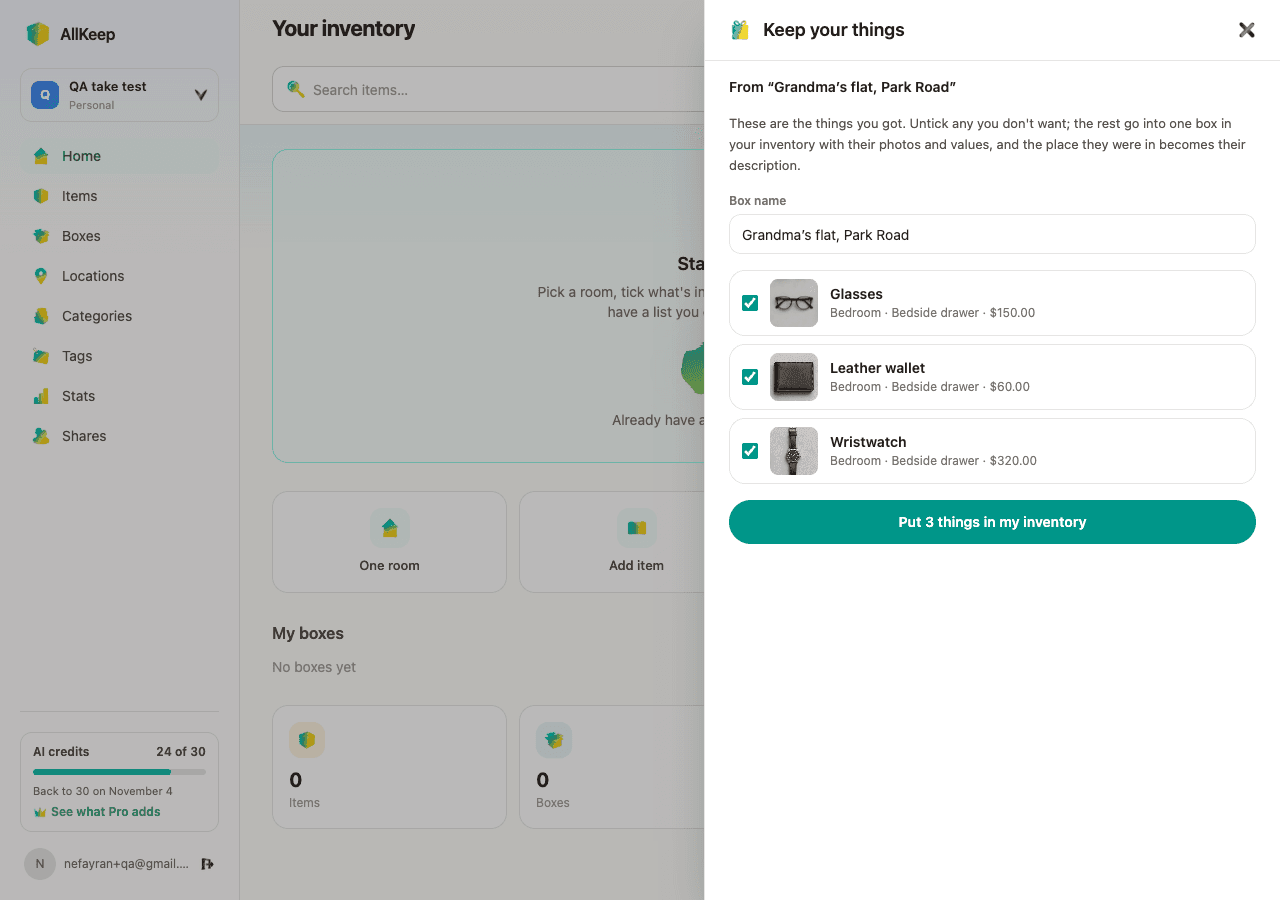
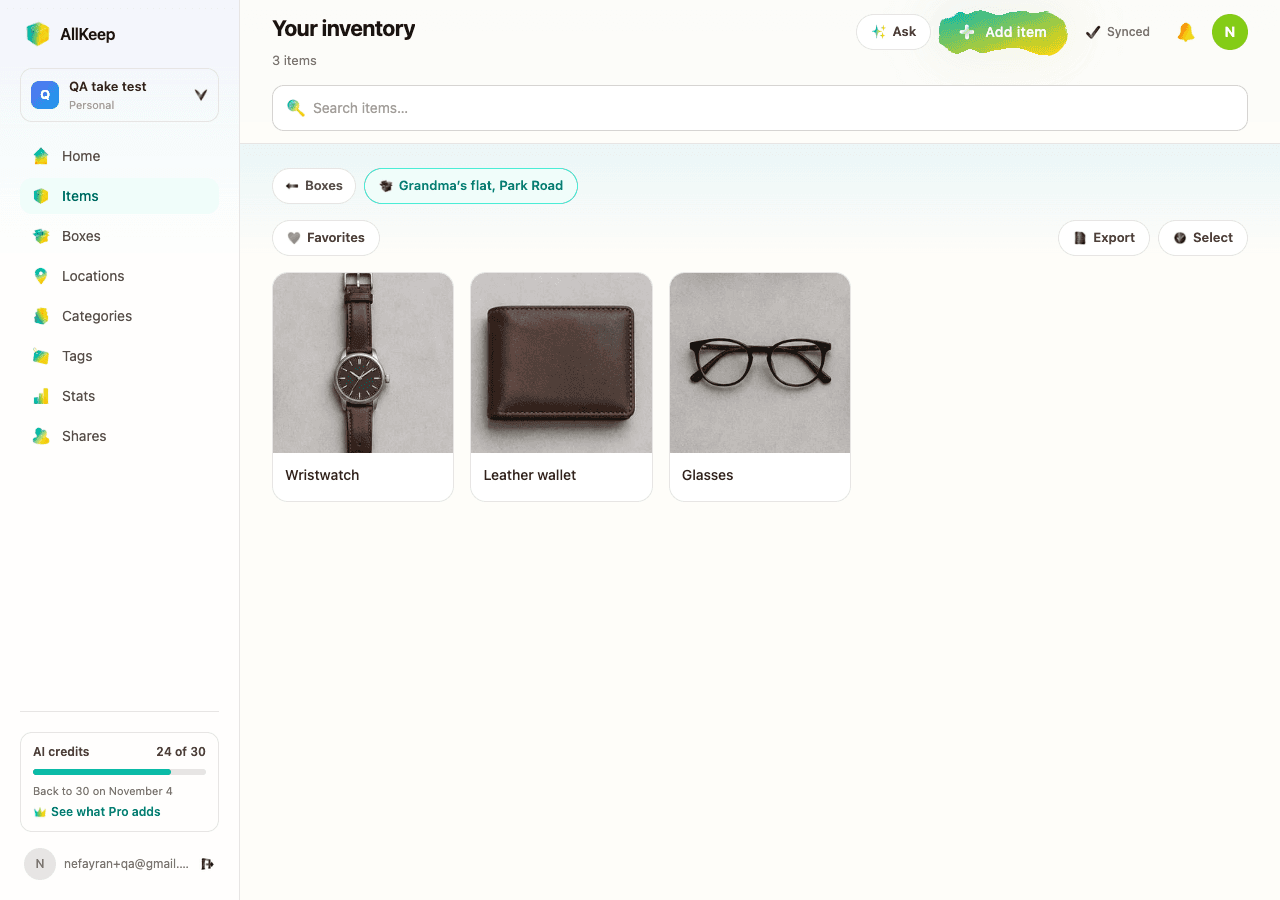
They see the things they got, all ticked, with the photo, the room they were in and the value. They can untick what they don't want and rename the box. Saving makes one box named after the share-out, with one item per thing. Each photo is copied into their own account, so it stays even if the family deletes theirs later.
It works once per link and only after the share-out is closed. The person who made the share-out sees who took their things. It's free and uses no AI credits. The Android app doesn't have it yet. Start a share-out in the web app, or read how who gets what works.