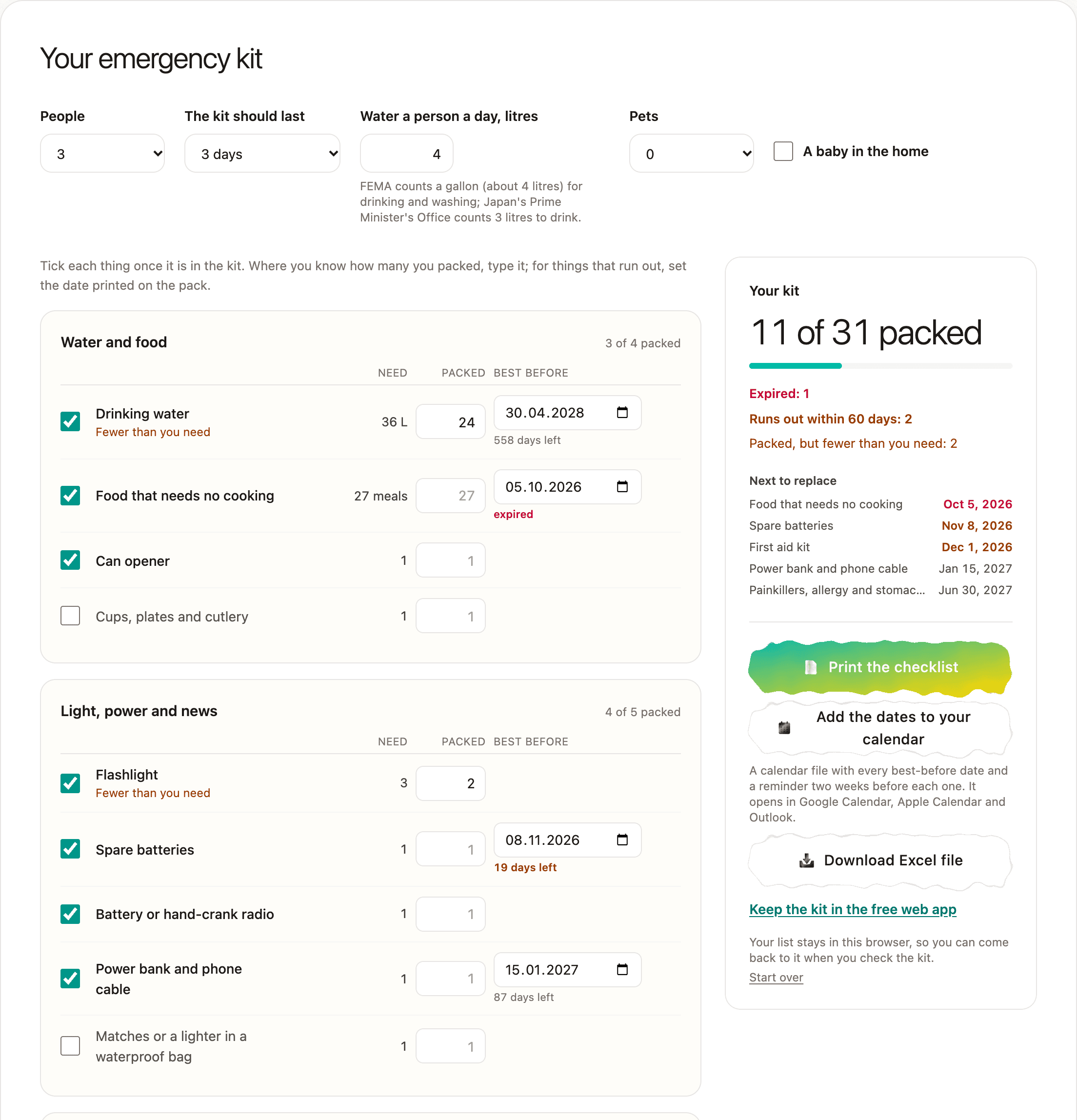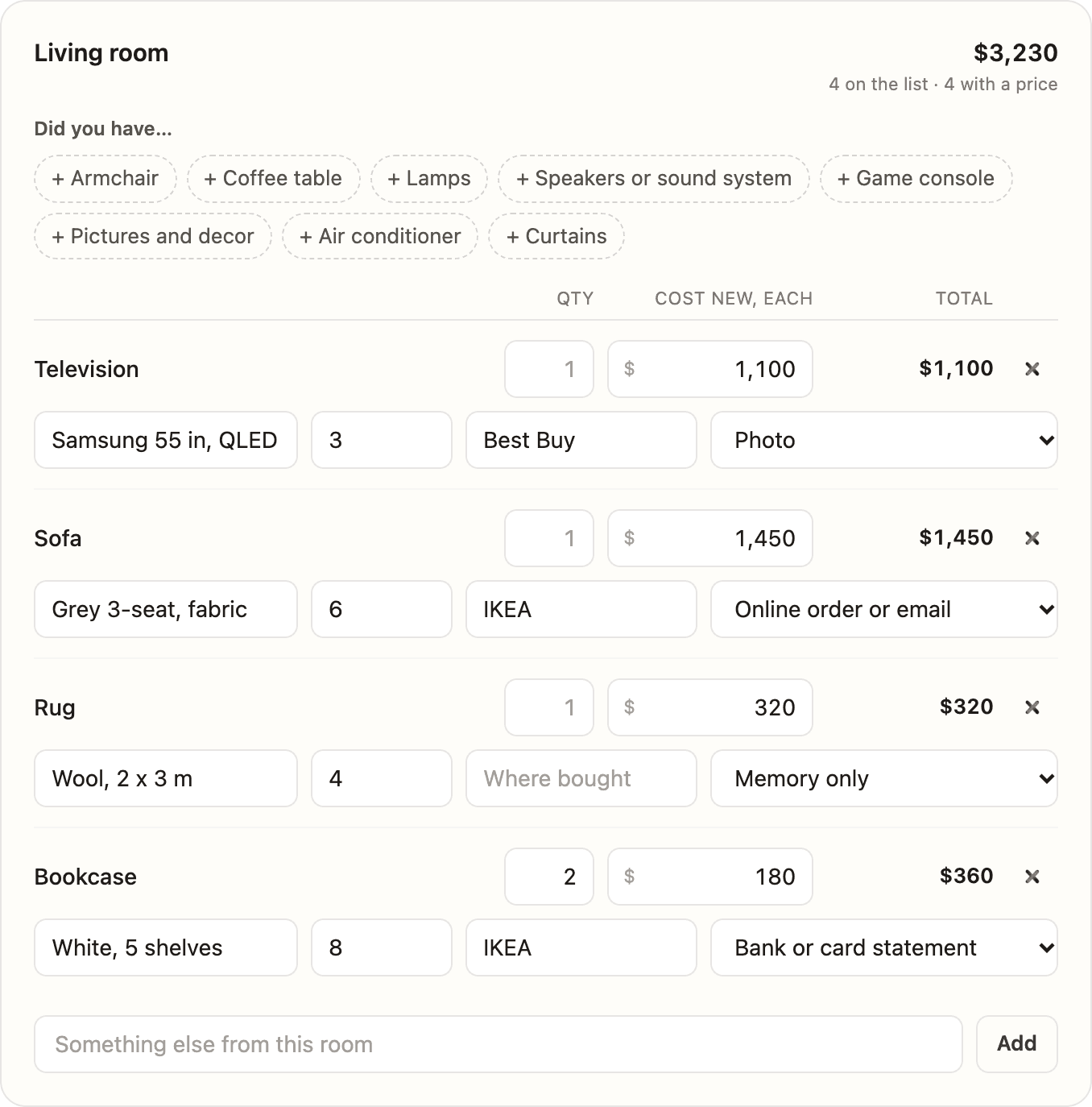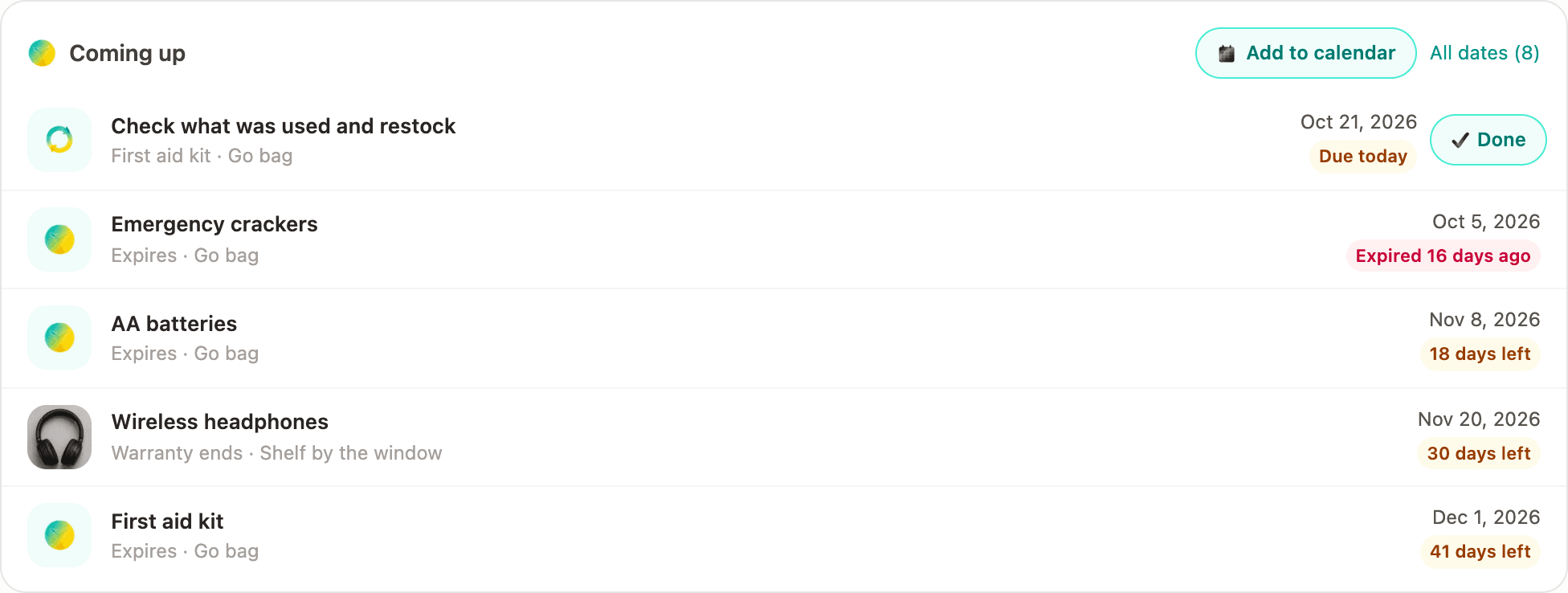
Since yesterday each thing in AllKeep Inventory can hold care that comes back, and since 14 October a best-before date and the day its warranty ends. But the app showed them only when you opened it, and the calendar file had to be imported by hand. Now it can write to you.
One letter, only when something is due
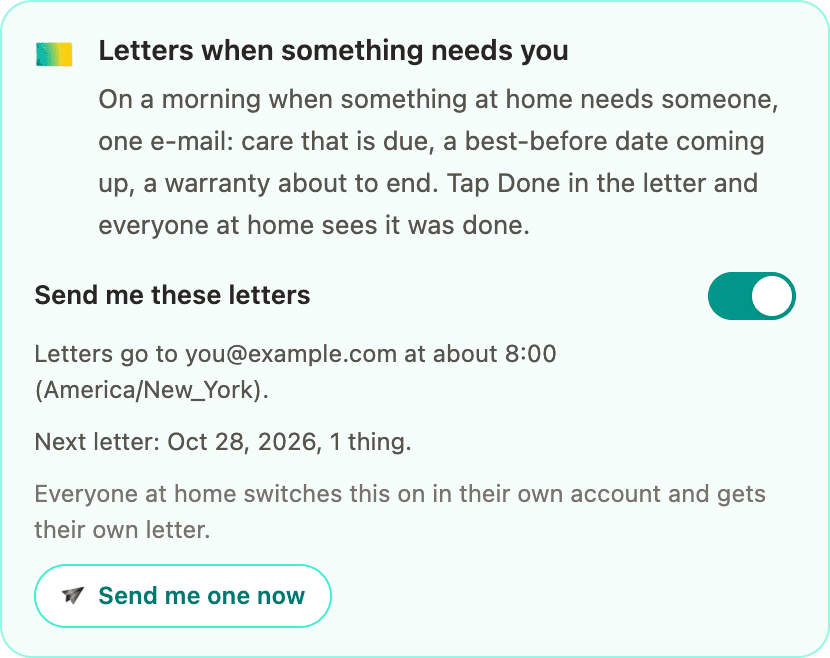
Switch letters on and you get one e-mail on a morning when something at home needs someone: care on the day it is due, then once a week while nobody has done it; a best-before date 30 and 7 days before, on its last day and the day after; a warranty 30 and 7 days before it ends, and on its last day. It comes at about 8:00 in your time zone, in the app's language. On other days nothing comes.
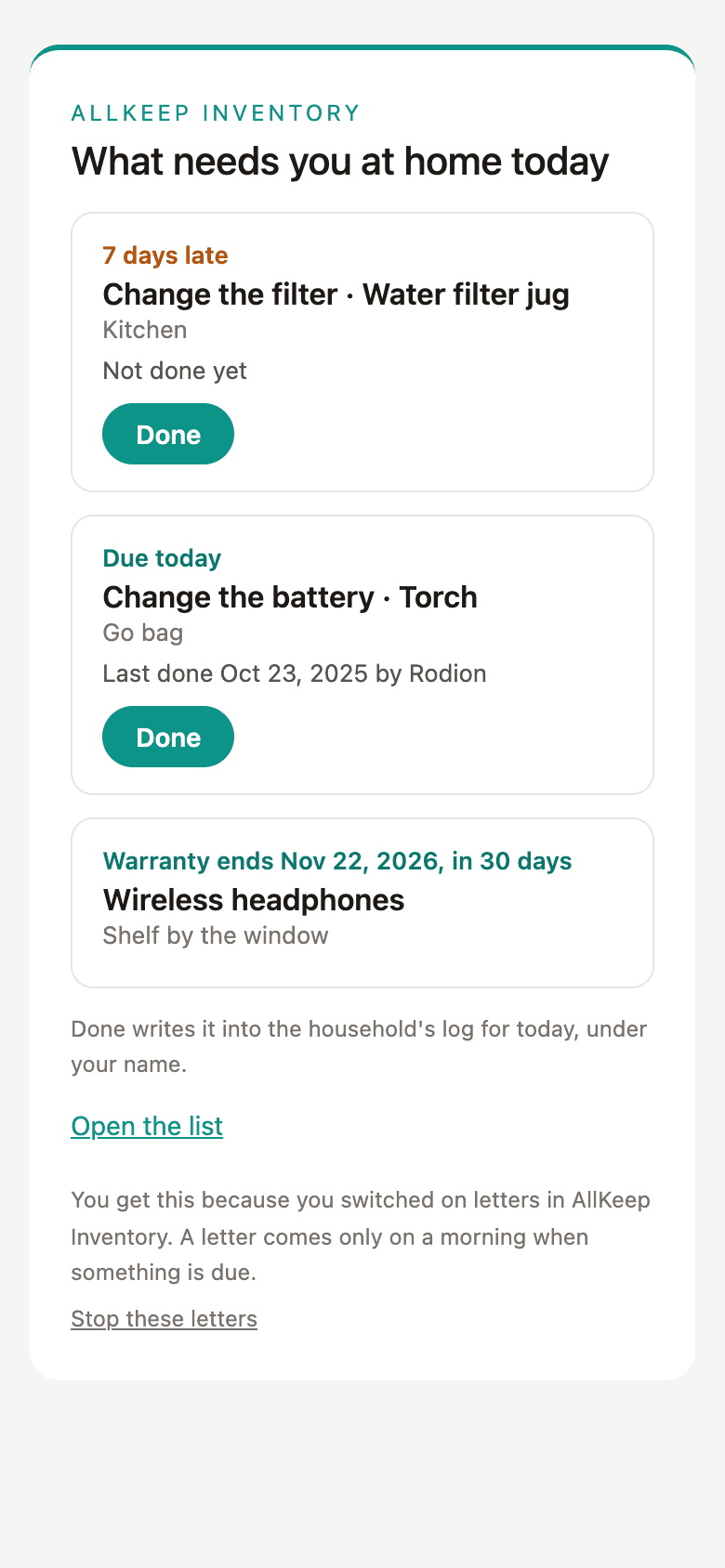
Done in the letter
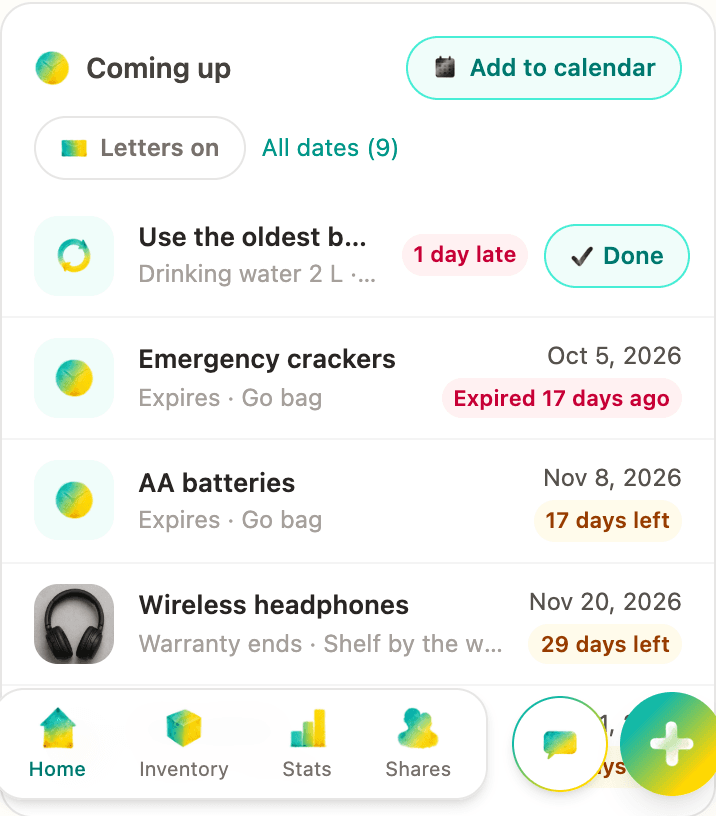
Each care task in the letter has a Done button. It opens a page with one button, and that button writes the task into the household's log for today under your name, as Done in the app does. Everyone at home sees it was done, and their next letter doesn't ask again. Opening the link alone changes nothing, because some mail services open links to check them.
For everyone at home
A letter covers every home your account belongs to. Each person switches letters on in their own account, and the card says who else at home gets them. The switch is at the top of the dates list, and "E-mail me" on Home opens it. "Send me one now" sends a sample, so you can find it if it lands in spam. The stop link at the bottom of every letter works without signing in.
It is free and uses no AI credits. The Android app doesn't have it yet. Switch it on in the web app.