People packing for a move or for the attic search for QR code labels. What I found sells stickers tied to its own app, asks for an account, or offers one English template. The AllKeep Inventory label maker needs no app and no account, in six languages: inventory.allkeep.org/en/qr-code-labels.
Write what is in each box
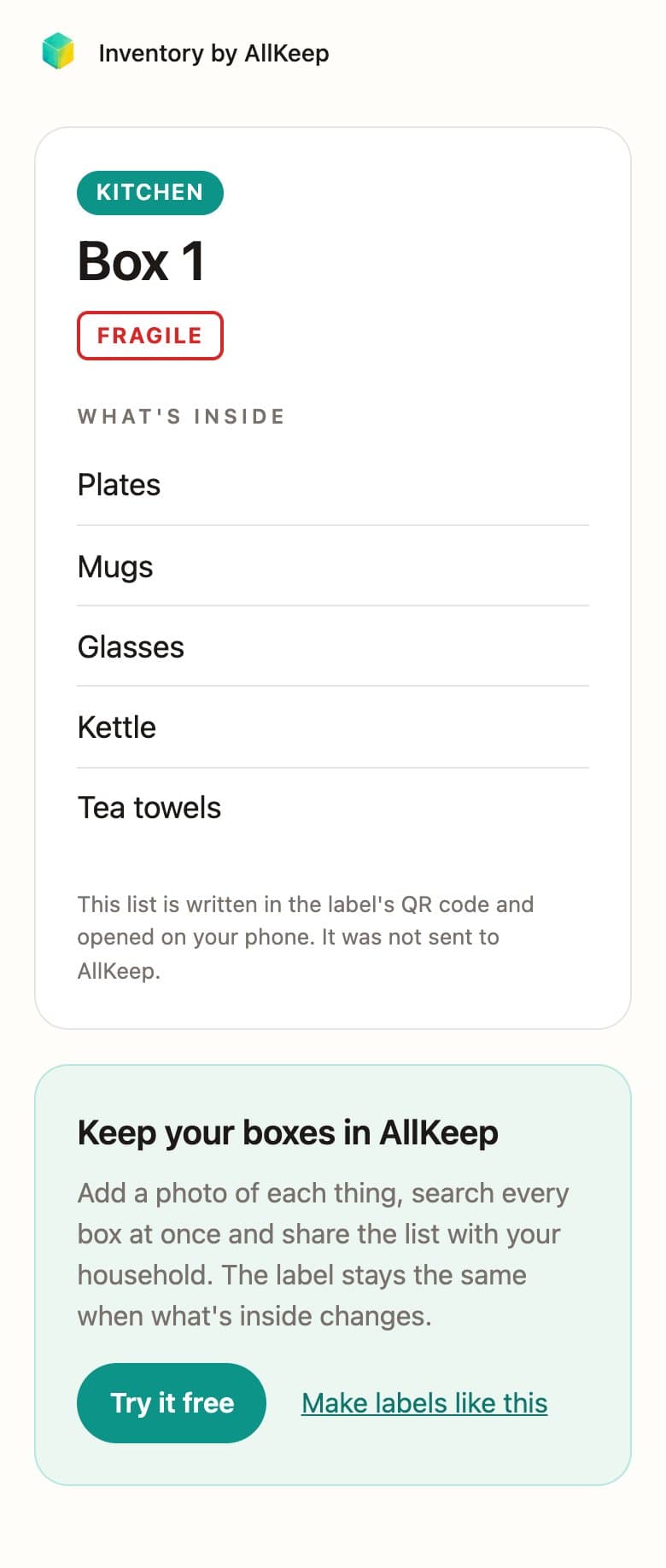
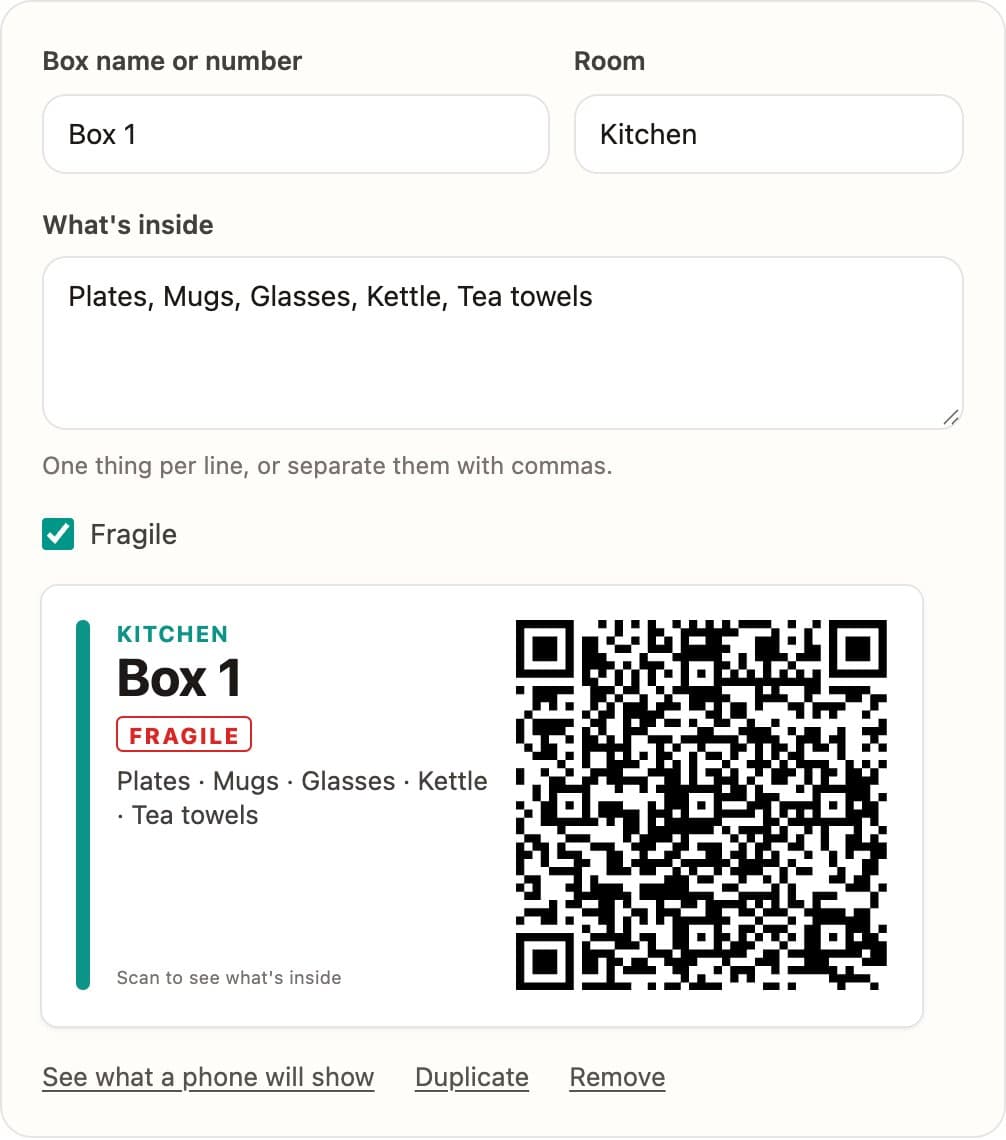
Give each box a name and a room, list what goes in it, and tick Fragile if it needs care. The label appears next to the fields as you type: the room in its own color, the name, the list and a QR code. Your boxes stay in your browser for next time.
Print on the labels you have
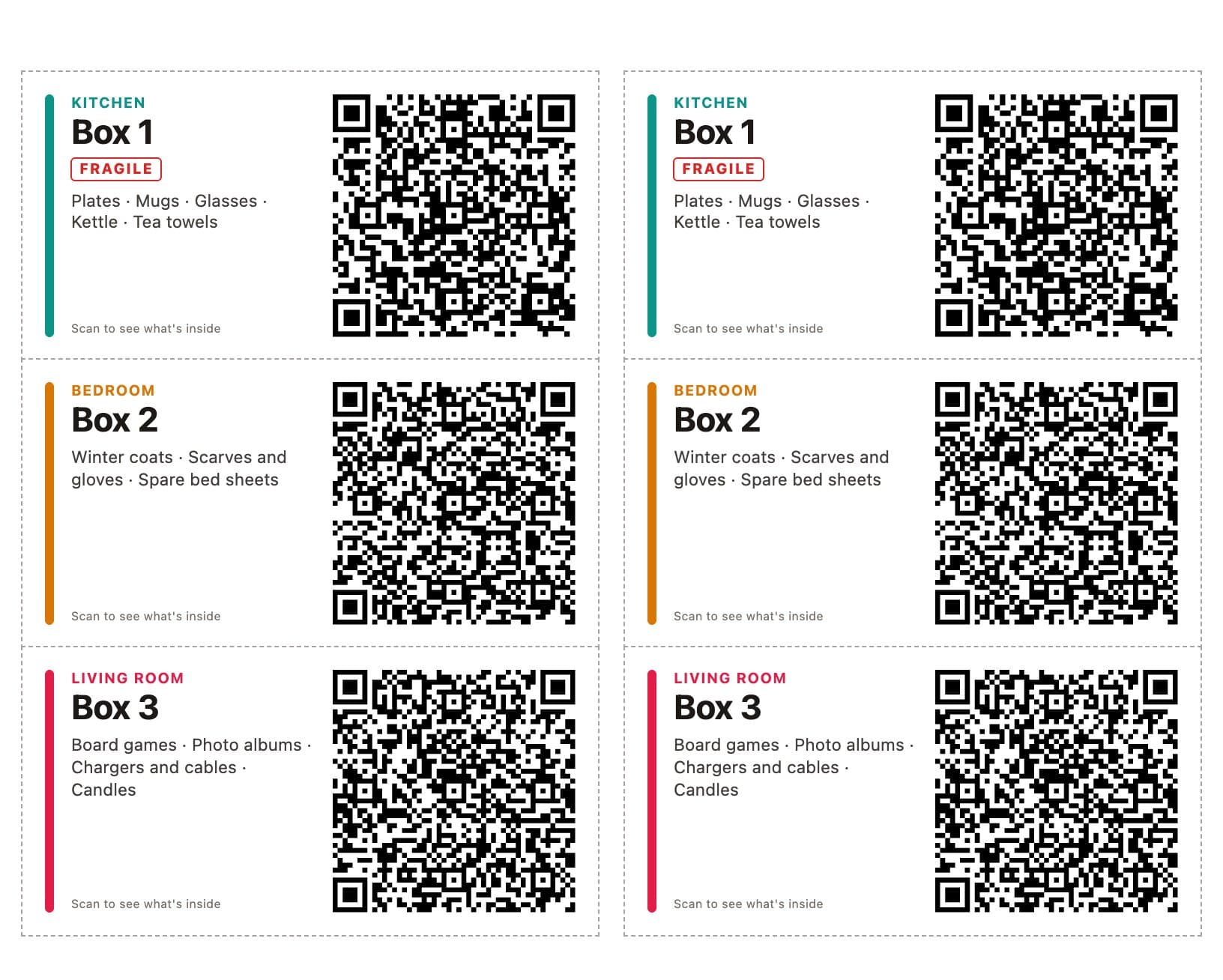
Pick your sheet: 2 × 4 inch labels, ten to a Letter sheet (the Avery 5163 size); 3⅓ × 4 inch; 99.1 × 67.7 mm or 86.4 × 42.3 mm on A4; or 4 × 6 inch on a label printer. Plain paper works too, with lines to cut along. You can print two labels per box, for the top and the side, and skip labels already used on a sheet. I checked where each label lands in the PDF against the sizes the sheet makers publish, but I haven't printed on a real sheet yet: try one page on plain paper first and hold it over the sheet against a window.
Scan to see what's inside
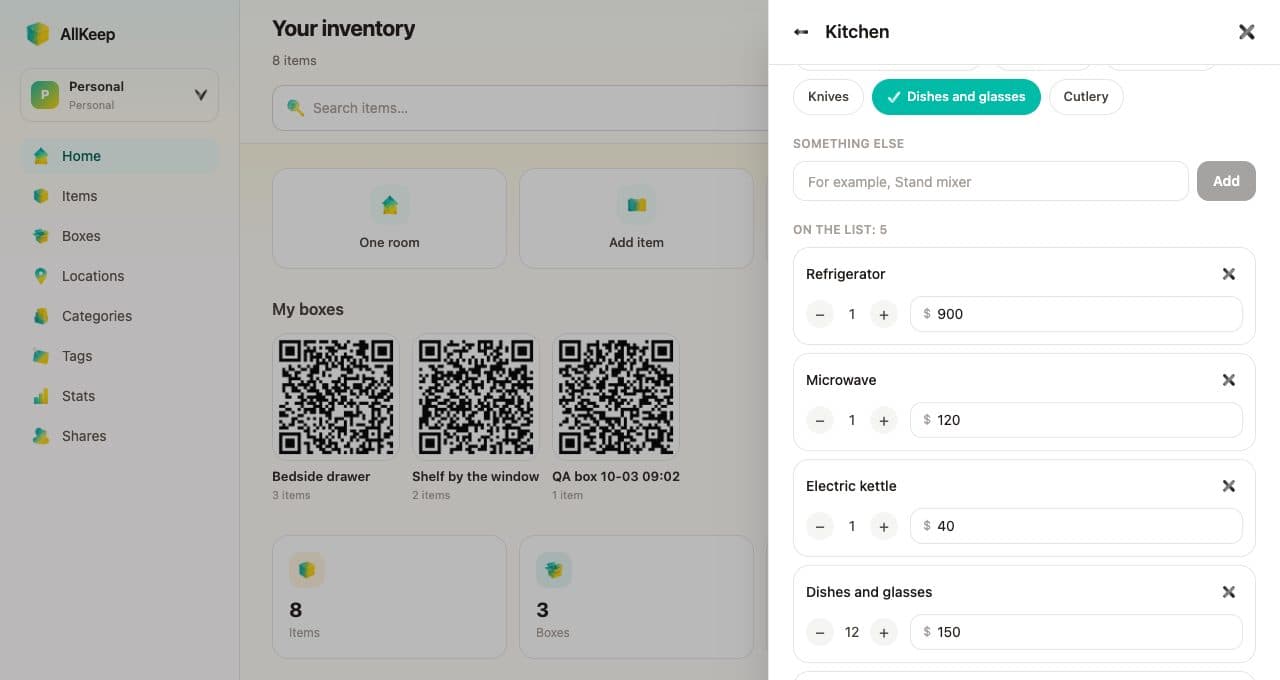
The list is written into the QR code itself. Point any phone camera at a label and the list opens in the browser. Whoever scans it needs no account, and the list isn't sent to us. When a box's contents change, print a new label. In the AllKeep app a box's label stays the same and opens the current list, with photos; an earlier post shows how.