When people choose a contents or renters policy, they search for "how much contents insurance do I need". The calculators I found belong to insurers and comparison sites: one country, one language, and sometimes just an average for your number of bedrooms. AllKeep Inventory now has a free one that counts your own things, in six languages and any of 32 currencies, with no account: inventory.allkeep.org/en/contents-insurance-calculator.
Room by room
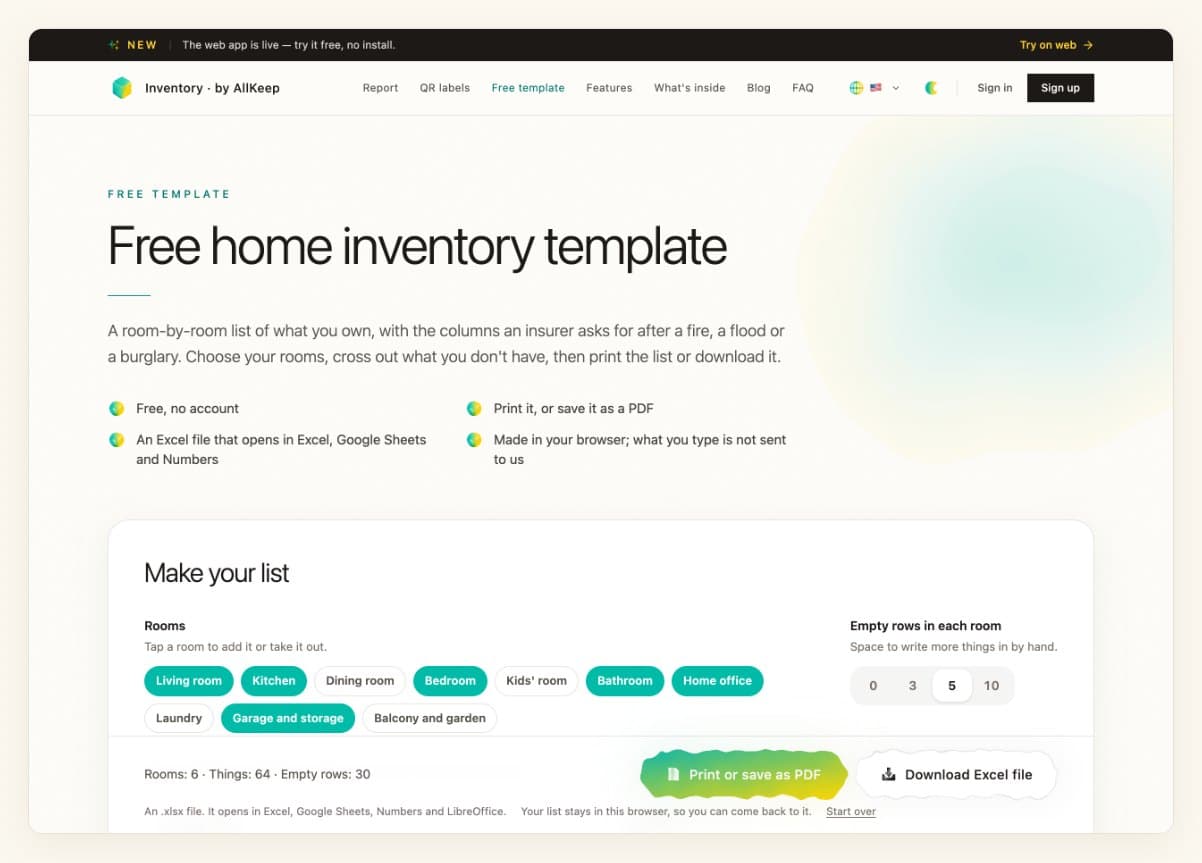
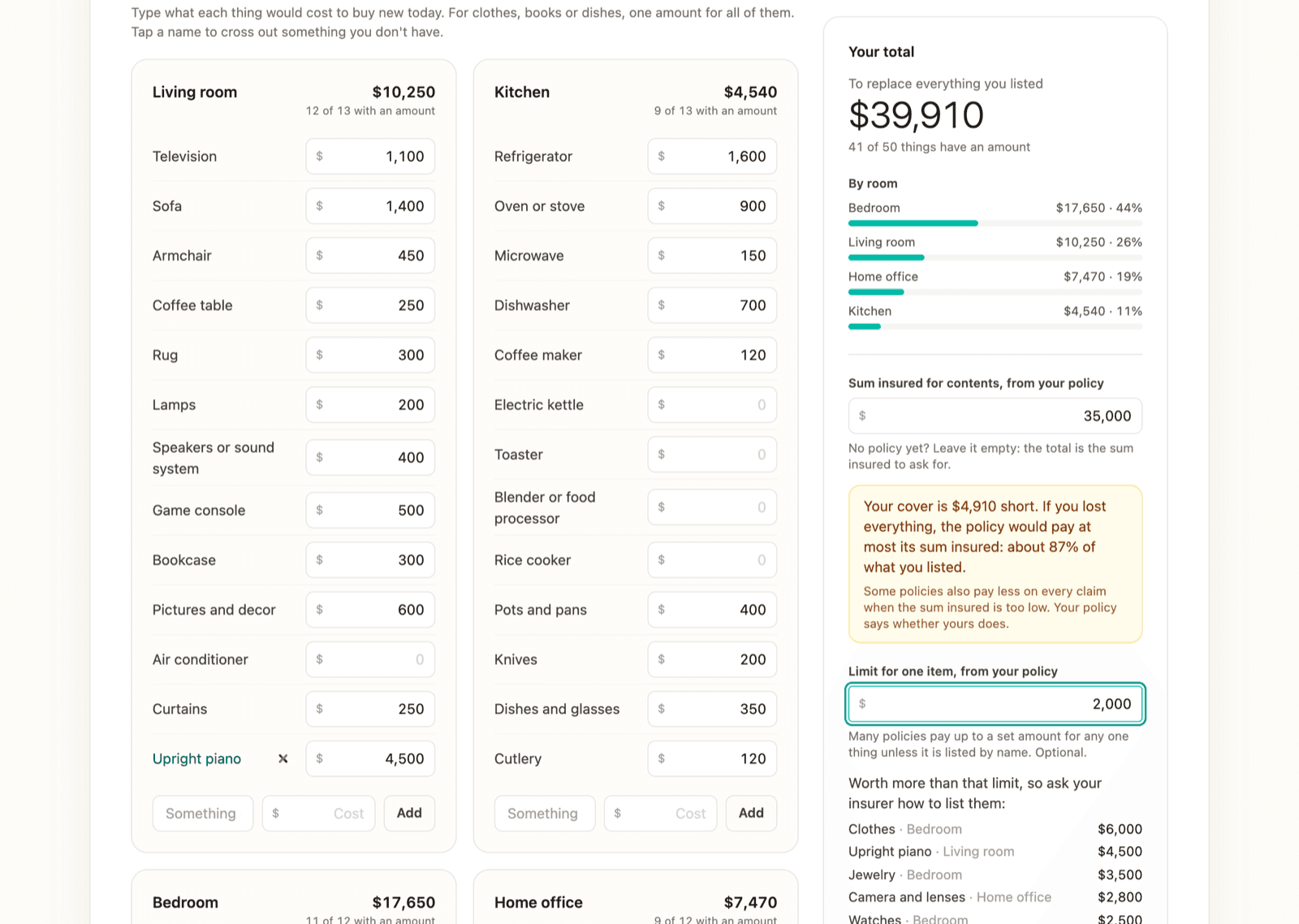
Choose your rooms. The usual things are already listed, so you type what each would cost to buy new today and cross out what you don't have. Clothes or books get one amount for all of them. Each room adds up as you type.
Against your policy
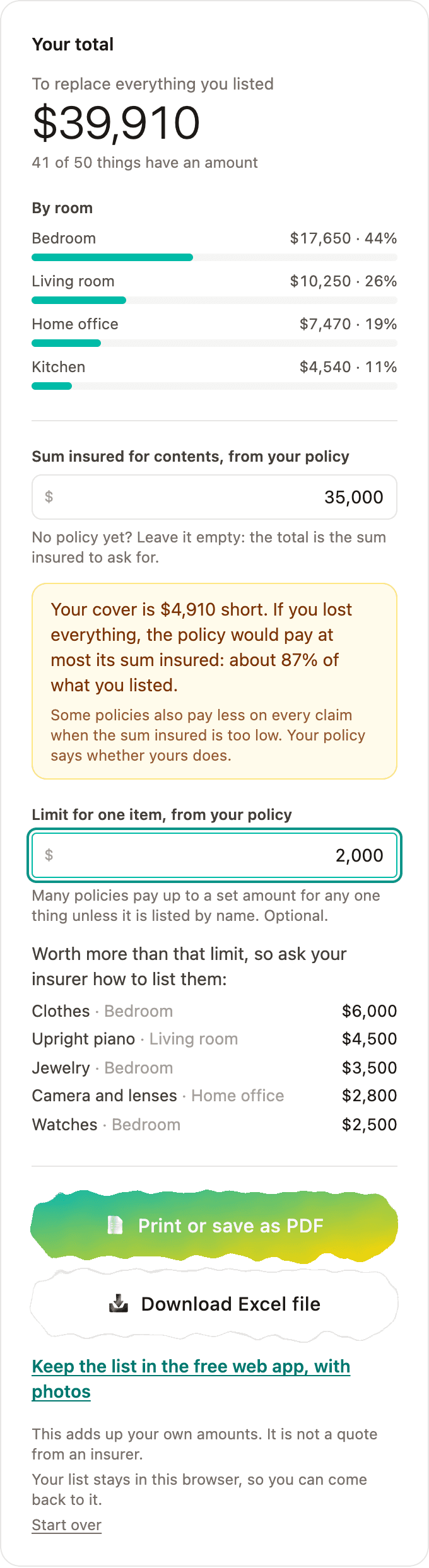
Type the sum insured from your policy. The page says how much is missing and what share of your things a total loss would pay. Type the policy's limit for one item, and it lists the things above it, the most expensive first. Those are the ones to ask your insurer about.
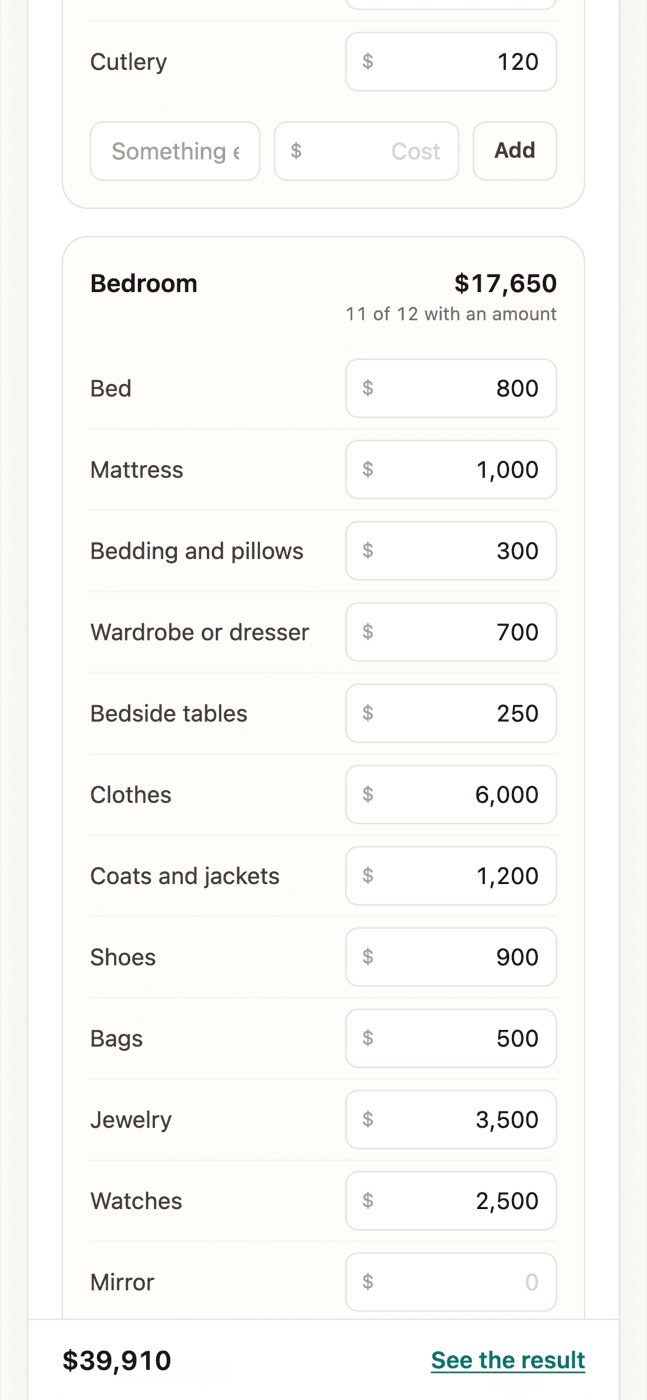
On a phone, a bar at the bottom keeps the total in sight while you type.
Then keep the list
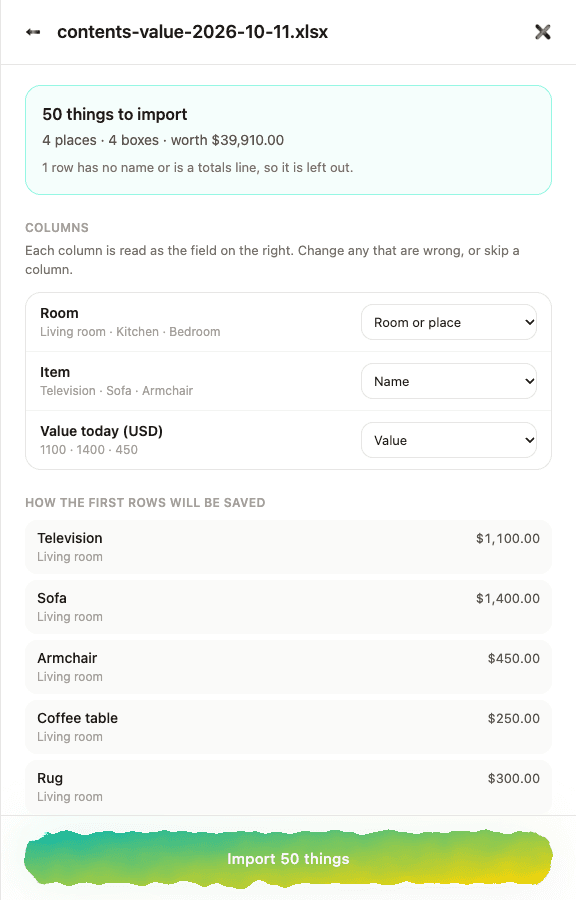
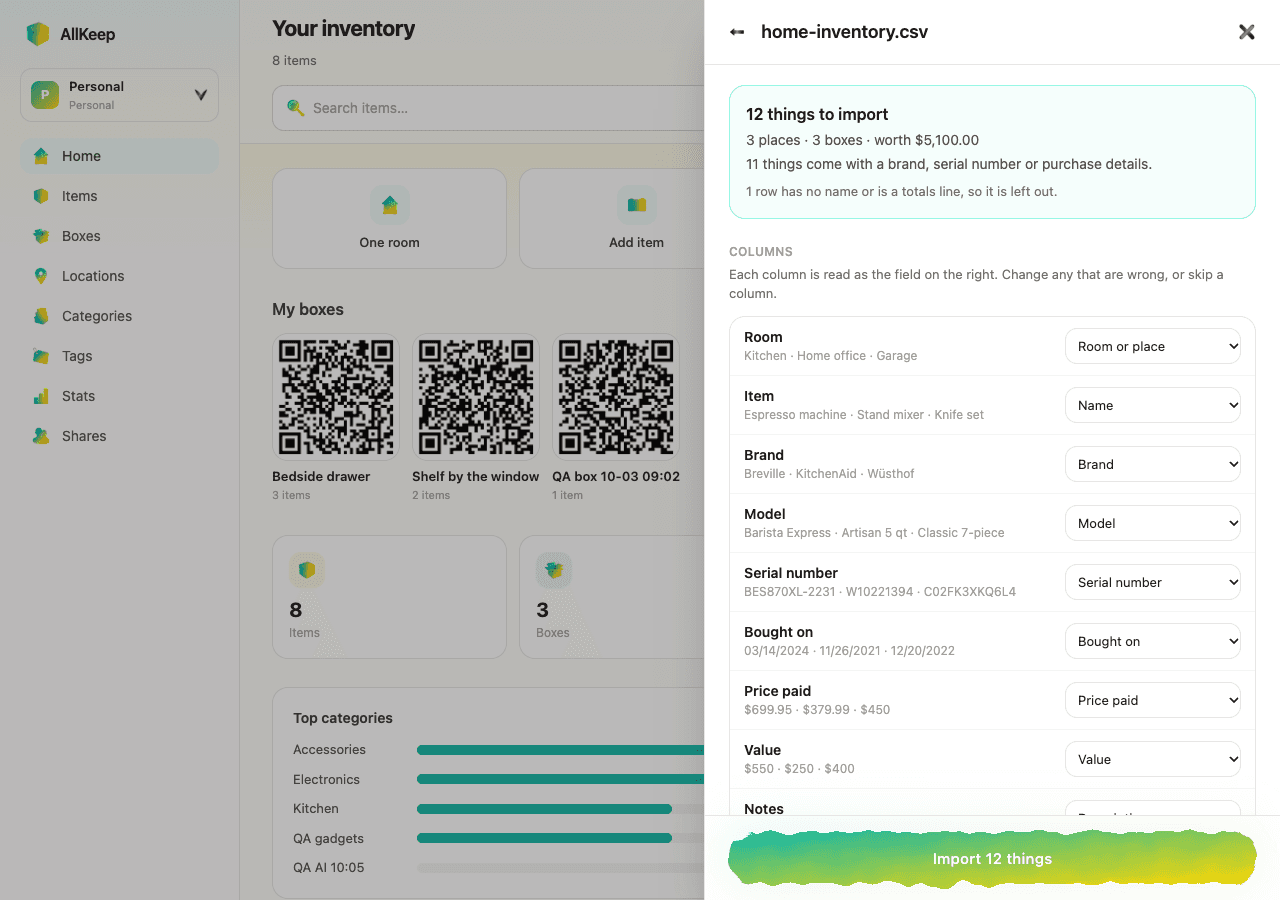
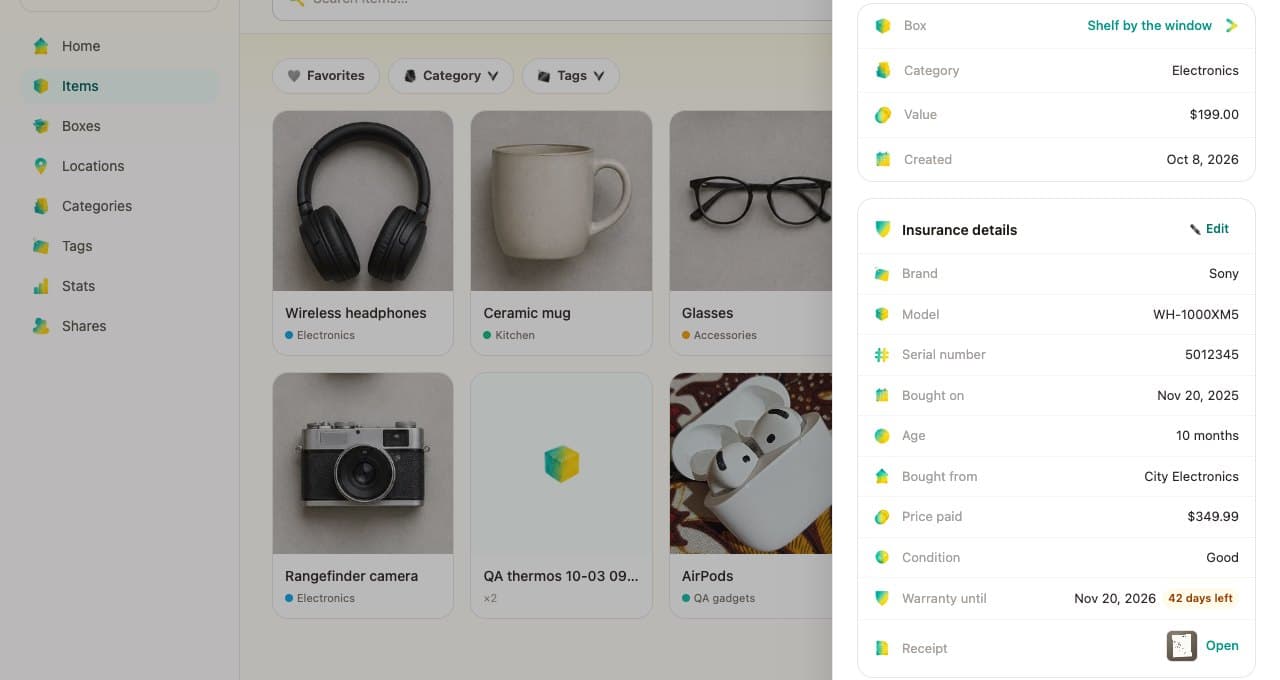
Print it or save a PDF, or download an Excel file. The web app's import reads that file back with every room, thing and amount, and then you can add photos and receipts. Your list stays in your browser, and what you type is not sent to us.