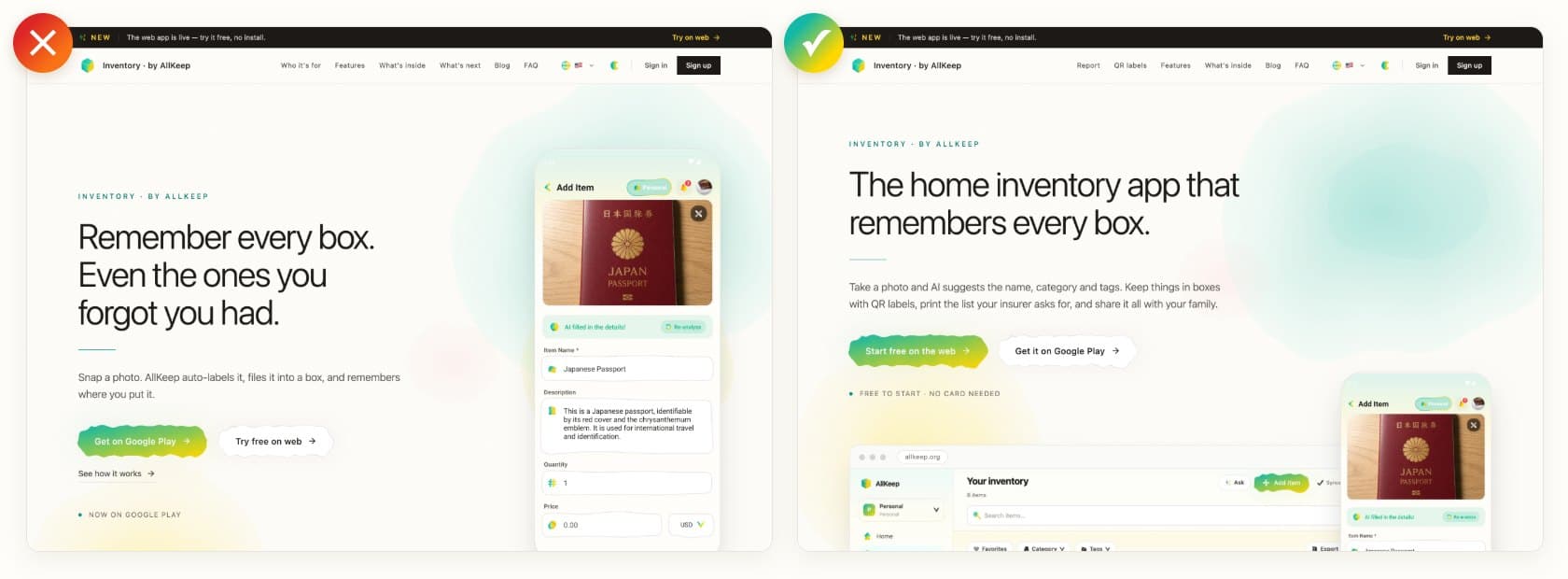
Of all the AllKeep Inventory pages, inventory.allkeep.org is the one Google shows most often, and until today it told visitors the wrong things. Its FAQ said the web app was not ready, while the banner above it said the web app was live. Its title never used the words people search for, and the price on it came from a translation rather than from the checkout.
It says what it is
The title and the headline now say "home inventory app", in all six of the app's languages. The main button opens the web app, where you can try one photo before you make an account, and Google Play is next to it.
The report and the labels are on the page
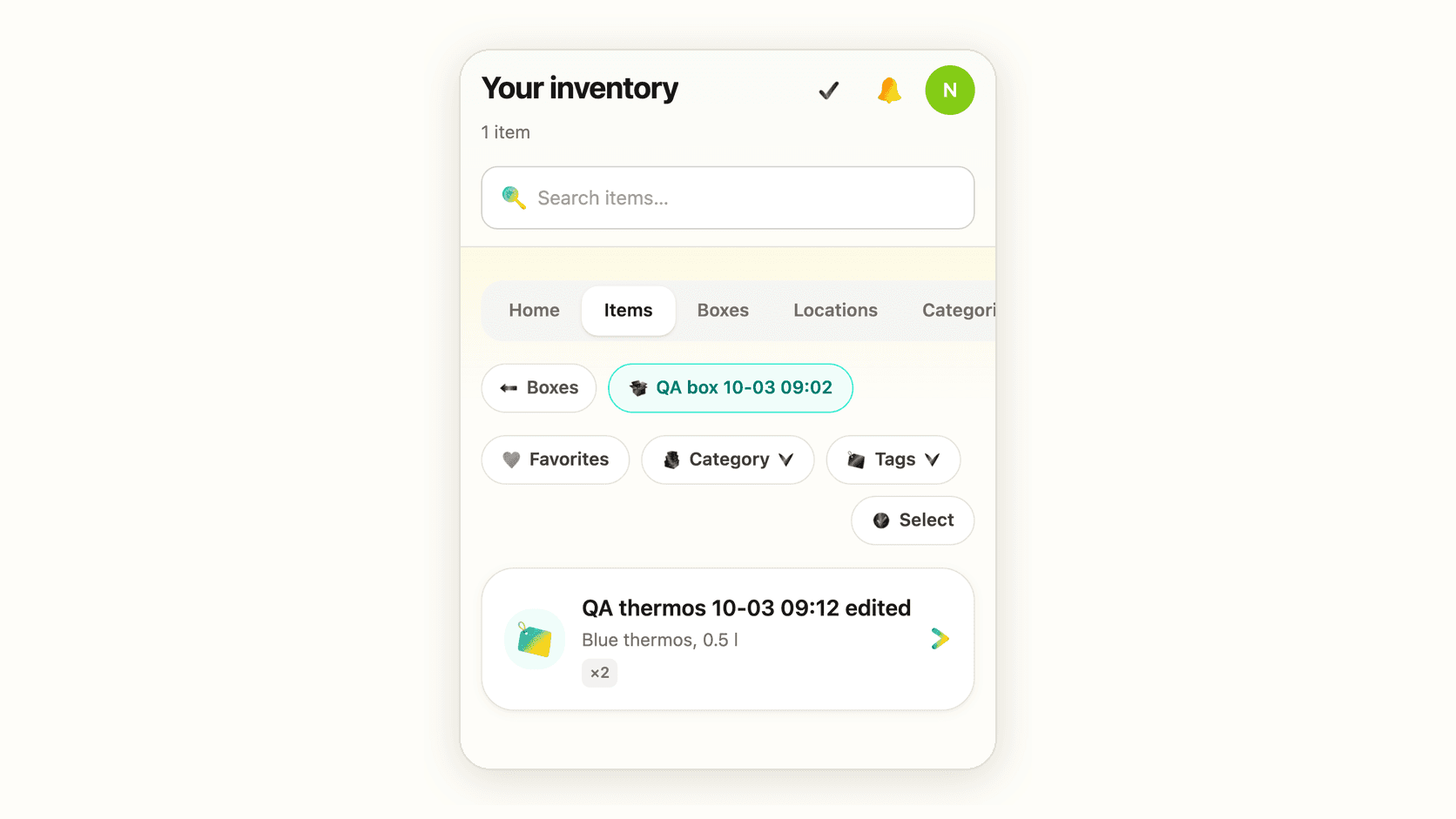
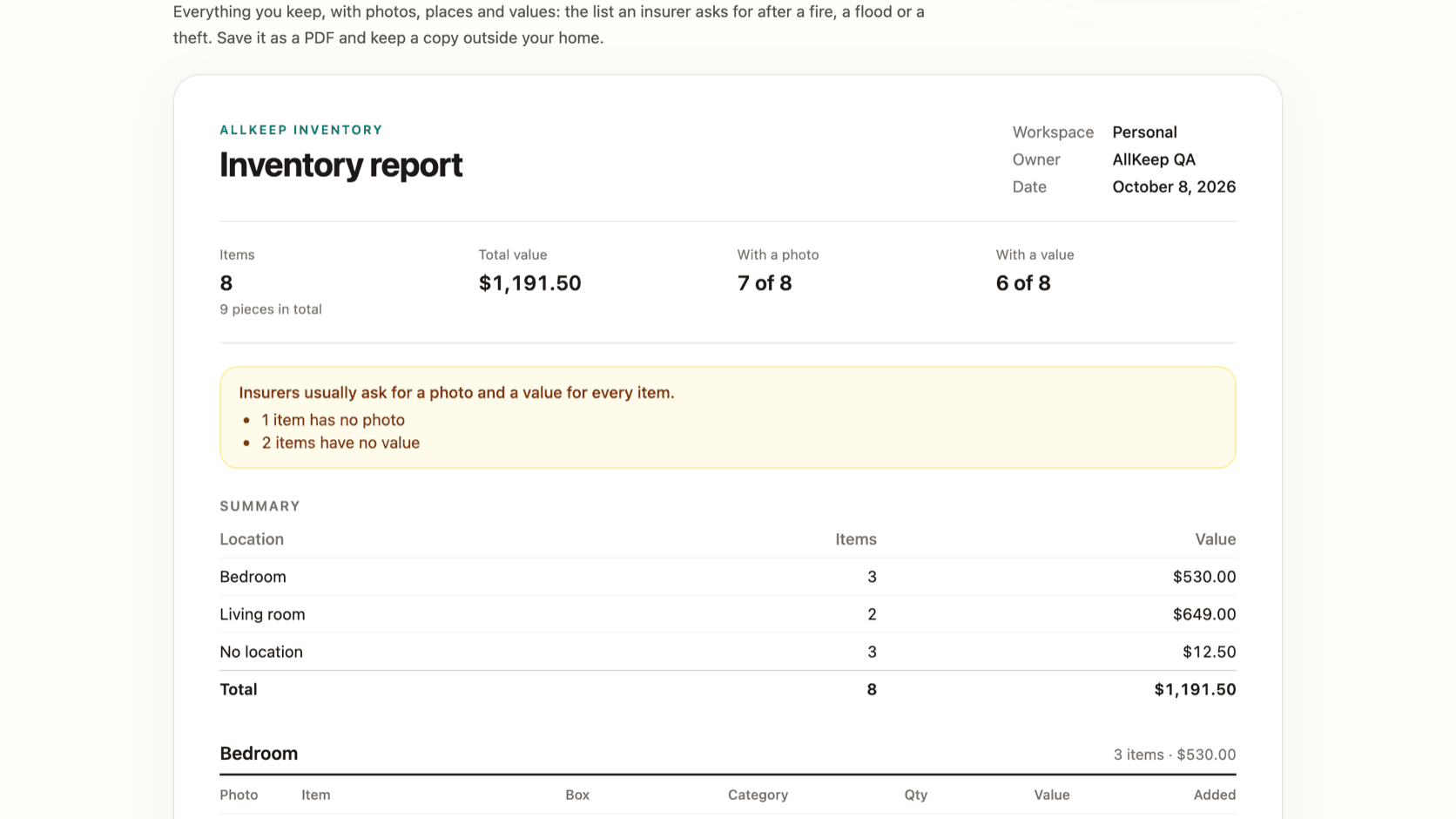
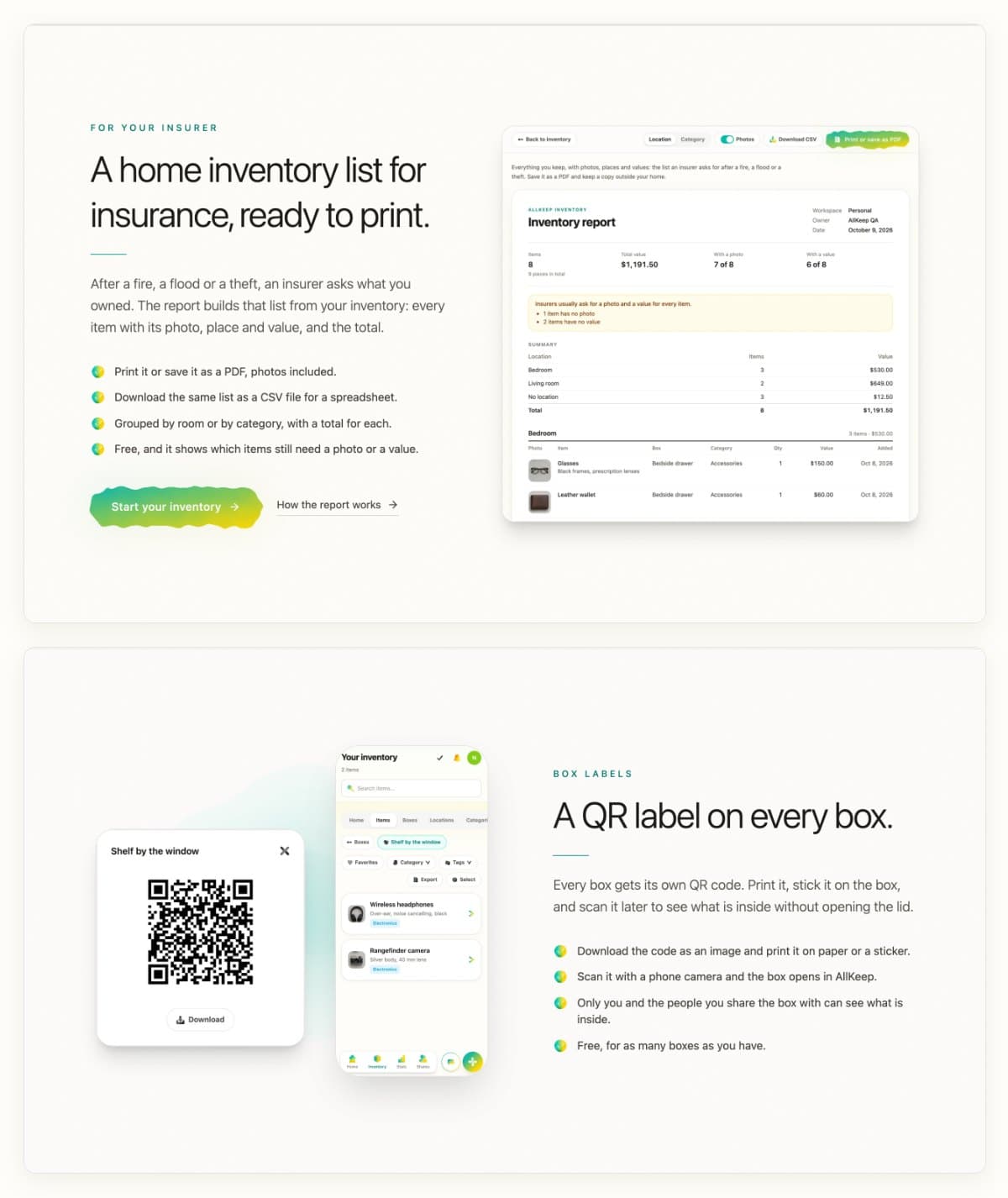
Two things people look for were missing: a list to hand an insurer, and labels for boxes. The app has both, the report since 8 October. The page now shows them with screenshots from the app: the printable report with photos and values, and a box's QR code next to the same box opened on a phone.
The price you will pay
The price on the page now comes from the web checkout, so it is what the checkout will charge you. The Subscribe button in your profile reads it the same way; before, it named a different amount from the one the checkout asked for. In the Android app, Google Play shows its own price before you pay.
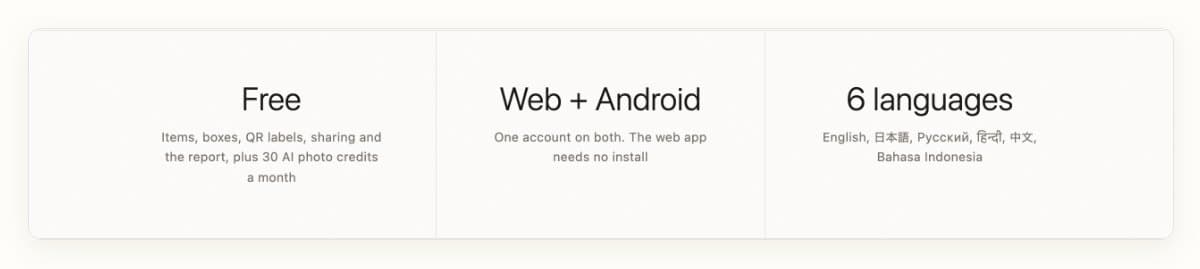
The page also says what stays free: items, boxes, sharing, QR labels and the report, plus 30 AI photo credits a month.
How the report works is in an earlier post. If something on the page is still wrong, write to me at nefayran@gmail.com.