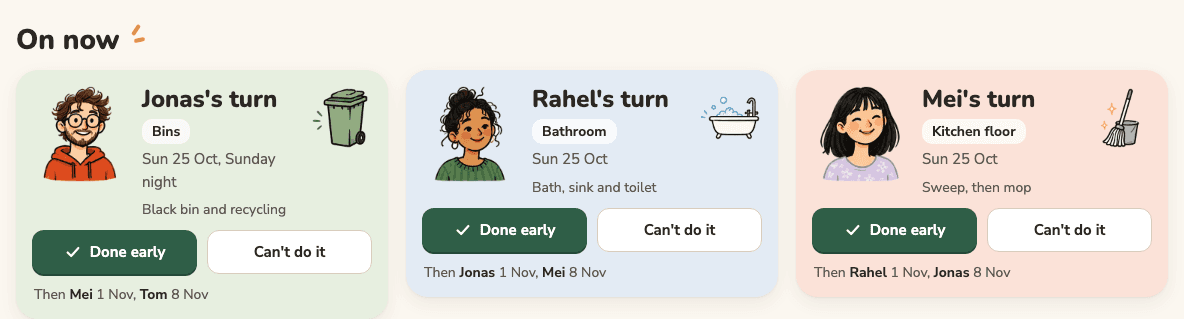
Some duties are not handed out; people sign up for them: a school's flag duty, a team's snacks, driving to away games. A PTA officer on Yahoo! Chiebukuro described running the flag duty on paper and in a LINE group, and wanted something online where parents book their own mornings. The sign-up sheets people use leave a date empty when nobody takes it, and the same few parents end up with most of them. Turns can now do both halves.
Pick your dates
In a job's form, choose "People pick their dates" and when the rule should fill the dates nobody took: the day before, a week before or two weeks before. The rota then has a "Pick your dates" section. Pick your name once (this browser remembers it for that rota) and tap the dates you can do. A dashed date still has room, a green one is yours (tap it again to let it go), and a sand one is full.
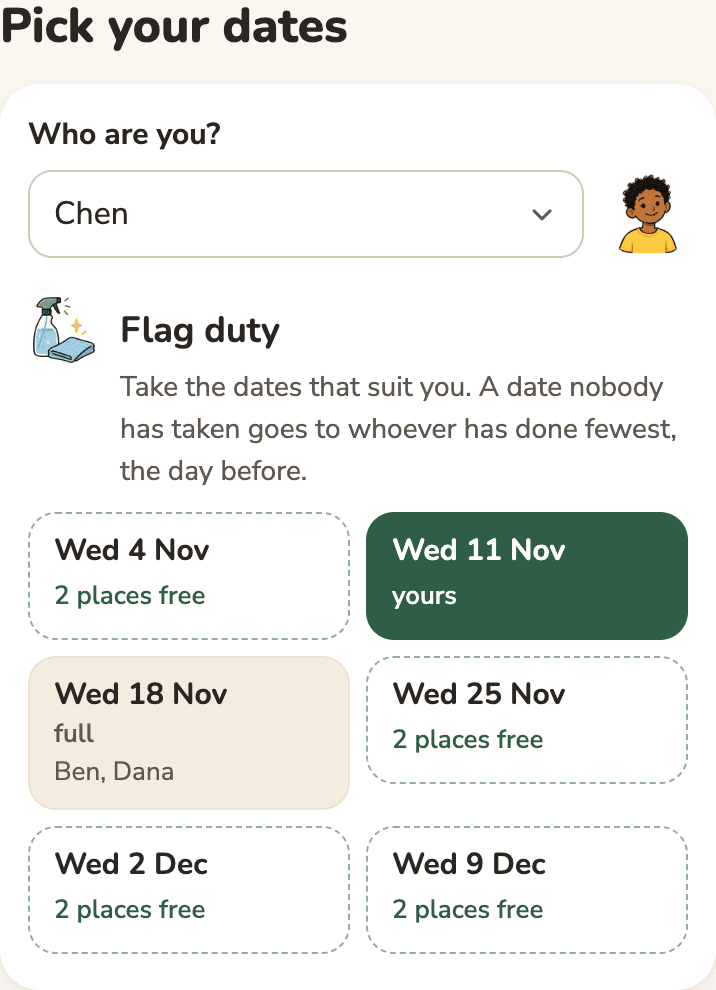
When a date gets that close, its free places go to whoever has done the job fewest times, the same rule as the rest of the rota. Someone who has already taken a later date counts it, so they are not also given the gap before it. Until then the card for the date says the last day it can still be taken.
Send it to the group
A rota helps only when everyone in the group looks at it. Next to "Copy the link", a shared rota now sends itself to the group's chat. On most phones, "Send to the group" opens the phone's own share menu, so LINE, WhatsApp or Telegram is one tap, with a short message that names the rota. On a computer there are direct buttons for the chat apps people use in each language: LINE in Japanese, Telegram and WhatsApp in Russian, WhatsApp in English and Indonesian.

The chat app gets the rota's name and its link, the same as when you paste a link there yourself. Nobody in the group needs an app or an account to open it.