Insurance Documentation That Actually Pays Out: What Adjusters Want to See
Filing a claim without photos and receipts is filing a wishlist. Here's what adjusters keep asking for, and how to have it ready before they do.
A friend of mine had her flat broken into last summer. Laptop, camera, two pairs of headphones, jewelry. Police report, the whole process. Renters' insurance covered her, allegedly.
When she filed the claim, the adjuster asked for one thing: proof of loss.
She had:
- Photos of two of the items (out of about ten)
- One receipt (the laptop, paid by card so the bank had it)
- Her own handwritten list of what was missing
- Estimated values she'd looked up after the fact
The adjuster paid out a fraction of what the policy could have covered. The rest was contested, slow-walked, or denied outright on grounds of "insufficient documentation".
A pile of photos taken on a slow Sunday would have changed the shape of that whole conversation. She just hadn't done it. Almost nobody has, until the moment they need to have.
What "proof of loss" actually means
Across every claim form I've actually looked at — renters', homeowners', contents — the adjuster is fishing for roughly the same four things per item:
- Existence — proof you owned it. A photo of the item in your home is the strongest evidence here.
- Condition — proof of what state it was in. A photo that shows visible wear (or lack of) is enough.
- Value — proof of what it cost. A receipt is best; a credit-card statement line item is second-best; an online listing of the same model is third-best.
- Date acquired — when you got it. Receipts cover this; photos with EXIF data cover it weakly.
You don't need all four for every item. In practice, for anything over the policy's deductible, existence + value is the minimum that gets a claim moving. Below the deductible, the insurer often won't ask.
The technique side of this — how to actually shoot an item so the serial, the wear, and the receipt all live on the same card — is its own post: Every angle, every detail. That's what to capture per item. This post is what to do with the results.
The 60-minute starter pack
This is the version of the household inventory checklist tuned specifically for insurance. If you've done that one, this is largely a re-pass with stricter rules.
The "high-loss" items (priority 1)
These are the items that come up over and over in renters' and homeowners' claims:
- Laptop, desktop, tablet
- Phone (yours and any backups)
- TV, sound system
- Camera + lenses
- Watch and any jewelry over ~$350
- Bicycle (especially e-bikes)
- High-end kitchen appliances
- Musical instruments
- Tools, especially power tools
Photograph each:
- Wide shot showing it in your home (existence)
- Close-up of any serial/model number (value reference)
- Receipt photo if findable (don't search >2 minutes per item)
For items where the receipt is gone: a screenshot of the current model on Amazon / wherever, with the price visible, is acceptable to most insurers as a replacement-value reference.
The "easy to forget" items (priority 2)
The category that quietly costs claims:
- Power tools and the toolbox
- External drives, USB-C docks, monitors not on your desk but stashed in a closet
- Backup laptops, old phones still working
- Sports gear: ski / snowboard / surfboard / golf clubs
- The "good" kitchen items (cast iron, espresso machine)
- Designer bags or coats stored, not displayed
Same flow: wide shot, close-up if there's a model number, receipt if available.
The documents folder (priority 3)
For house contents claims, having the policy itself documented helps speed up the claim:
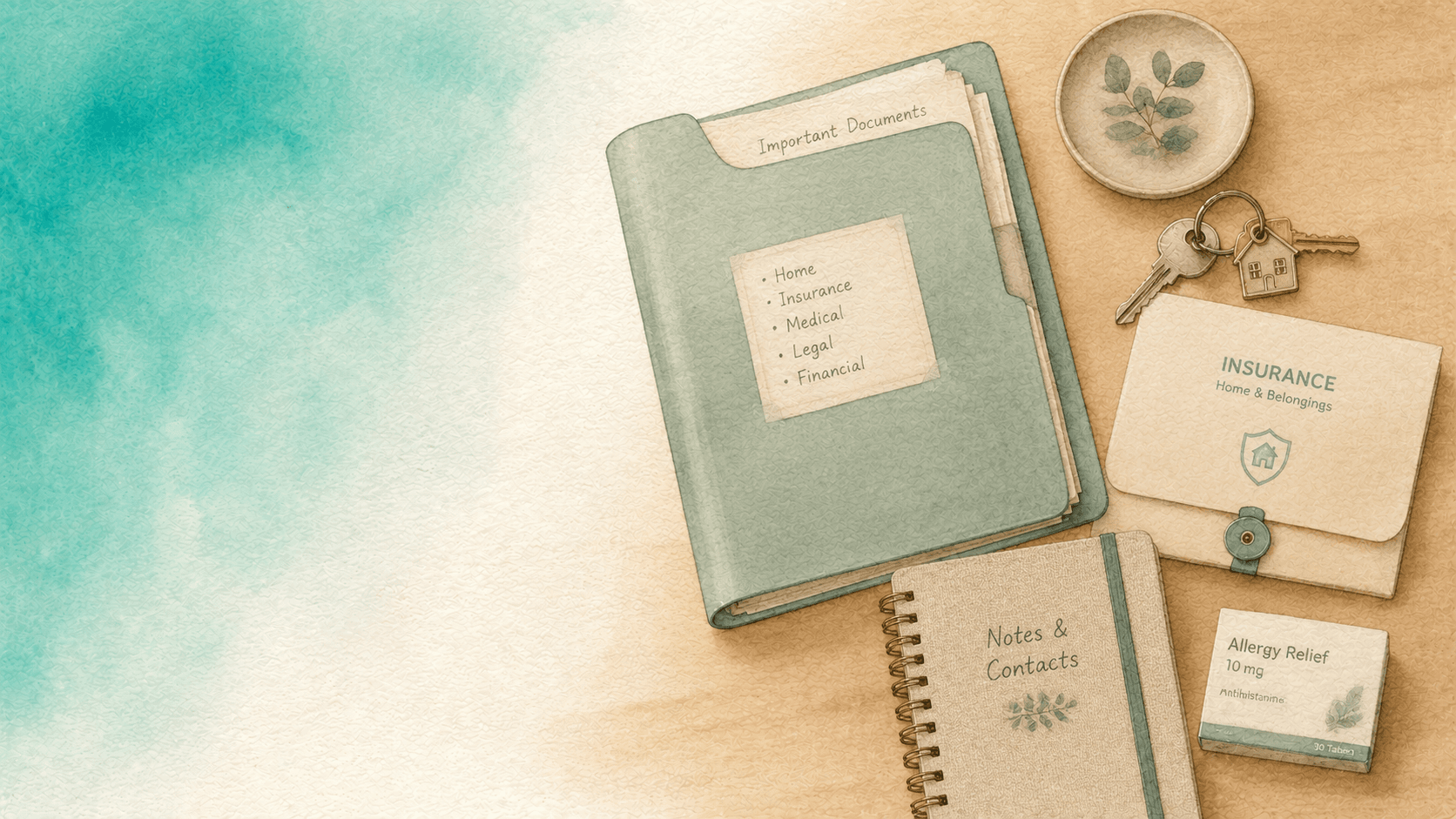
- Insurance policy PDF — saved in cloud
- Insurance card / membership card
- Most recent rent or mortgage statement (proves residence)
- Any inventory you've already done
Email yourself a copy of the policy. Sounds redundant, but "I can't find my policy paperwork after the fire" is a real sentence adjusters hear weekly.
Where receipts go to die
Receipts are the most useful evidence and the hardest to find six months after a purchase. Two systems that work:
System 1: Email forwarding
If you buy from Amazon / online retailers, the email receipt is the receipt. Forward those emails to a dedicated label or a separate inbox. It takes 5 seconds per purchase. In two years you'll have a complete searchable archive of everything you bought online.
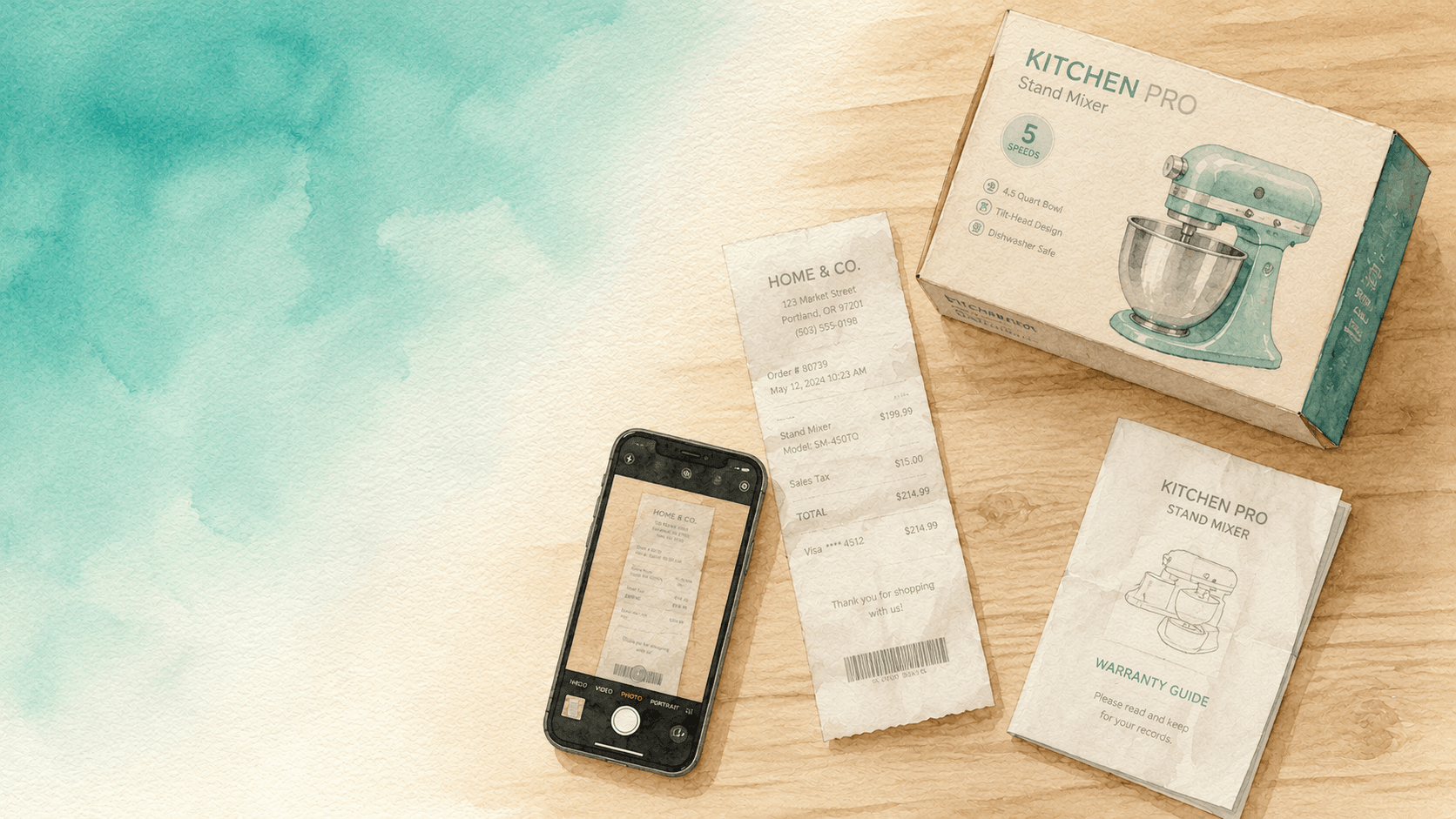
System 2: Photograph paper receipts on the way home
Walk out of a store, take a photo of the receipt, throw the
paper away. Save the photo to a folder called receipts
with a date prefix. Not perfect, but a 5-second habit that
covers ~80% of high-value purchases.
You don't need both systems. Just a system. The default "the receipt is in some drawer" is the system that loses you the receipt right when you need it.
Where to keep all of this
Three rules:
- Cloud, not local. A house fire that destroys your stuff also destroys your local proof of stuff.
- Searchable, not piles. A folder with 400 untagged photos is technically backed up but unusable in a claim.
- Tagged with date and category. Future you under stress wants to find "kitchen appliances bought 2024" in 30 seconds.
Inventory by AllKeep is the tool we built around exactly this — items with photos, serials, receipts attached, searchable by tag and category. But the principle is tool-agnostic. Whatever you use, make sure it's cloud-based and searchable.
Walking through a sample claim
Hypothetical: your apartment floods. Water damage destroys a laptop, two chairs, and a small bookshelf. You file with your renters' insurance.
What the adjuster wants:
- The police / fire department / building report (the cause)
- A list of damaged items
- For each item: existence + value evidence
- Replacement quotes (often the policy is replacement-cost not depreciated-cost; check yours)
What you send:
- Photos of each item from your inventory
- Receipts where you have them
- Current-listing screenshots for items where you don't
- An AllKeep export of the relevant workspace, which the adjuster takes as a single consolidated document
Outcome: the claim moves at the speed of "obviously valid" rather than "let's go back and forth for two months".
The yearly review
Set a calendar reminder for the day after you renew your policy each year:
- Walk through with your phone, photograph any new high-value purchases
- Delete entries for items you sold or threw away
- Verify the cloud backup is still working
- Skim the policy for what changed
15 minutes a year. The cheapest "insurance on your insurance" you can buy.
Try it on the high-loss items today
If you do one thing this weekend: photograph the high- loss items list above. Not in detail, just existence shots. Save them to a cloud folder.
Even that imperfect 20-minute pass takes the worst-case outcome of a future claim from "denied for insufficient documentation" to "let's negotiate the value".
The full inventory can wait. The high-loss photos cannot.
Start with the Android app → or the web app.