The story behind this checklist is boring and expensive. I moved apartments last year, lost track of three things in the chaos (an external SSD with project files, a bag of camera lenses, a small pile of kitchenware I forgot was wedged under the sink), and spent more than I'd like to admit re-buying half of it.
Total damage from "I'll remember what I own": about $300.
A 90-minute inventory pass would have caught all of it. So here's the checklist, the system, and the rules I now follow.
Why most inventory advice is useless
The internet's stock advice on home inventories is some version of:
"Walk through every room and write down everything you own."
That's not a system. That's a vibe. After 10 minutes of writing "sock drawer: 14 pairs of socks", you give up and your spreadsheet becomes a graveyard. I've done it. You've probably done it.
Two principles fix this:
- Log valuable and forgettable things first. Skip the obvious stuff (your couch is your couch). Capture the items that disappear in moves and the ones an insurance adjuster would ask about.
- Use photos, not text. A 2-second photo beats a 30-second description every time. The photo carries the brand, condition, and general value automatically.
If you keep those two rules, the inventory becomes possible. If you don't, it's a hobby.
The 90-minute walkthrough
This is what I do now, top to bottom. Set a timer. Don't be precious.
1. Living room (15 minutes)
What to capture, in order:
- TV, sound bar, game console — model + serial visible in the photo
- Laptop / desktop / monitor on or near the desk
- Camera, lenses, tripod, gimbal — the small expensive bag
- Anything plugged into the wall worth more than $30
Skip: throw pillows, books, plants, the couch itself.
2. Bedroom (10 minutes)
- Watch, jewelry, small electronics on the nightstand
- Bag/handbag inventory — once is enough; you don't have to re-photo every time you switch
- Kid's stuff if you're a parent: it disappears the fastest in moves
Skip: clothing (unless you have a single piece that's actually valuable, in which case photograph it standalone).
3. Kitchen (15 minutes)
- Appliances ≥ $70 — coffee machine, mixer, air fryer, etc.
- Knife block — count and photograph; good knives are quietly expensive
- The "good" cookware (cast iron, Dutch oven, pricier ceramic)
- Anything wedged under the sink (this is the one that got me)
Skip: cutlery, plates, mugs, jars — too many, too cheap.
4. Bathroom (5 minutes)
- Hair dryer, electric toothbrush, electric razor
- Anything else that plugs in and cost real money
Skip: toiletries.
5. Storage / closet / garage (20 minutes)
This is the highest-value zone. It's also where stuff goes to be forgotten. Open every box, label or relabel each one, photograph the inside before sealing.
- Old electronics you swore you'd sell
- Tools, drills, the toolbox
- Camping gear, sports gear (bikes especially)
- Original boxes for current electronics — these matter for warranty and resale
Skip: clearly labeled boxes you haven't touched in 3 years (just photograph the labels and move on; don't open the time capsule).
6. Documents drawer (10 minutes)
- Passports, residency cards, driver's license — front + back
- Birth/marriage certificates
- Insurance documents
- Vehicle registration
- The one folder where receipts of expensive purchases live
You're not "filing", you're snapshotting. Cloud copies, that's it.
7. The "anything else" sweep (15 minutes)
Walk back through every room with a single question in your head: "If this disappeared tomorrow, would I be sad about it or want it back?" If yes, photograph it. If no, ignore it.
90 minutes. Done.
What to capture per item
For most items: a single photo is enough. The photo carries the metadata.
For high-value items (everything over ~$200), spend an extra 20 seconds:
- Front photo (model number visible)
- Back/serial photo (serial number readable)
- Approximate purchase date and price (a guess is fine)
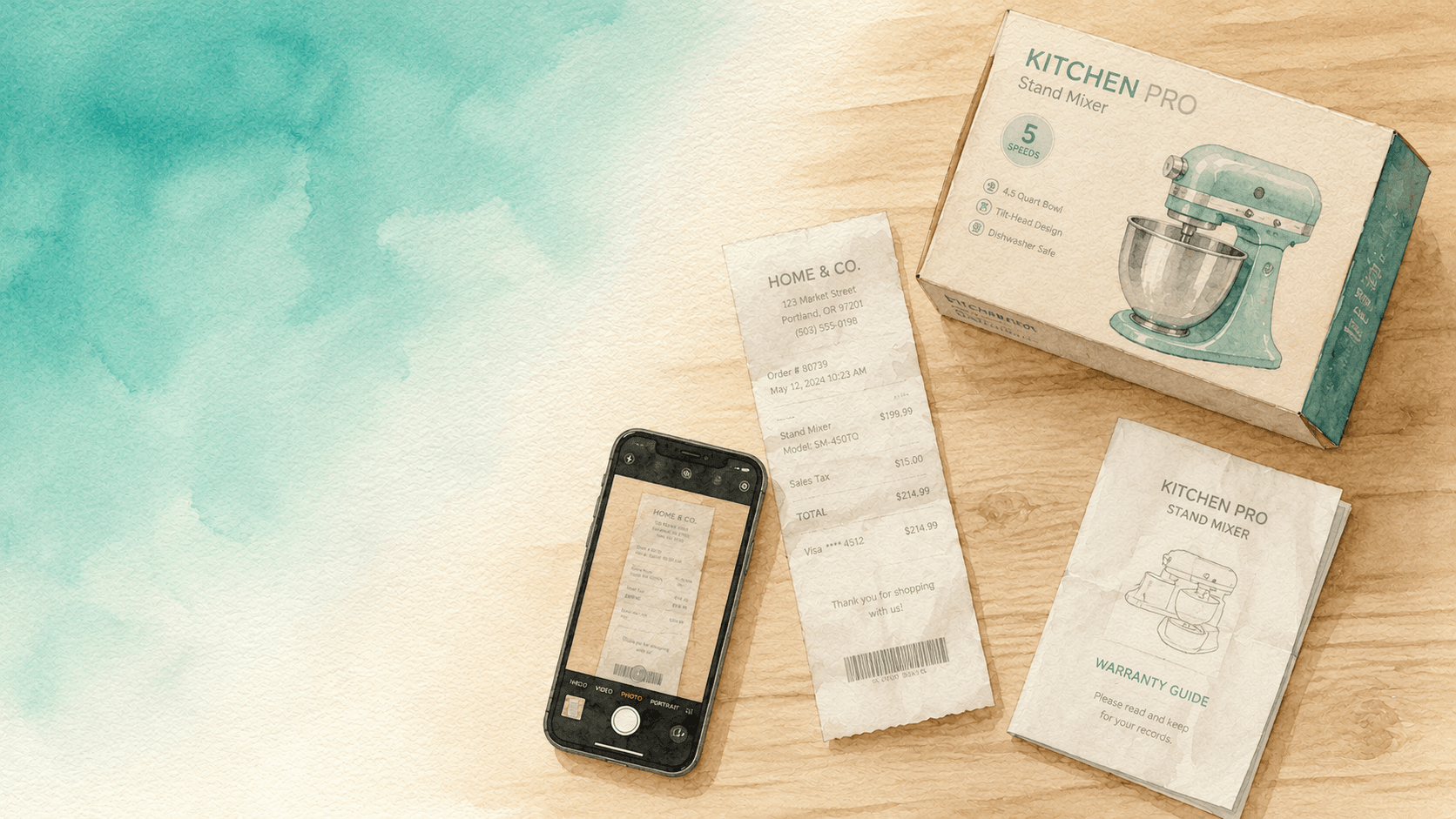
- Receipt photo if you can find it; don't search for more than 30 seconds
That's it. Don't fill out 12-field spreadsheets. A photo + serial
- rough value covers virtually every realistic claim or insurance question.
Where to keep it
Two rules:
- In the cloud, not in the drawer next to the TV. A fire takes both your stuff and your inventory. A flood does the same. The point of having an inventory is to access it after a disaster. Local-only doesn't work.
- In something searchable. A Google Drive folder with 200 photos is technically backed up, but you can't actually find anything in it. Use a tool that lets you search by item name or category.
Inventory by AllKeep — boxes, photos, search, sharing — is what we use, but this checklist works with whatever inventory tool you prefer. The discipline matters more than the app.
Once you've done the 90-minute pass, finding the box months later is a different problem — that's what the Ask flow is for.
Keeping it current without it becoming a chore
The hardest part isn't the first pass. It's the second pass six months later.
The trick: don't aim for completeness, aim for a 5-minute quarterly sweep. Every three months, walk through with the "would I miss it" question, photograph any major new purchases, delete entries for things you sold or threw out.
15 minutes a year, plus the initial 90 minutes. That's the entire ongoing cost of having an inventory that actually works.
Try it on one room
If 90 minutes feels like a lot, do one room this weekend. The storage room or kitchen is the highest-payoff start. You'll discover items you forgot you owned and that's the whole point.
If you want a free tool to capture it: install Inventory by AllKeep on Google Play or use the web app. The mobile photo flow is built for exactly this checklist.